
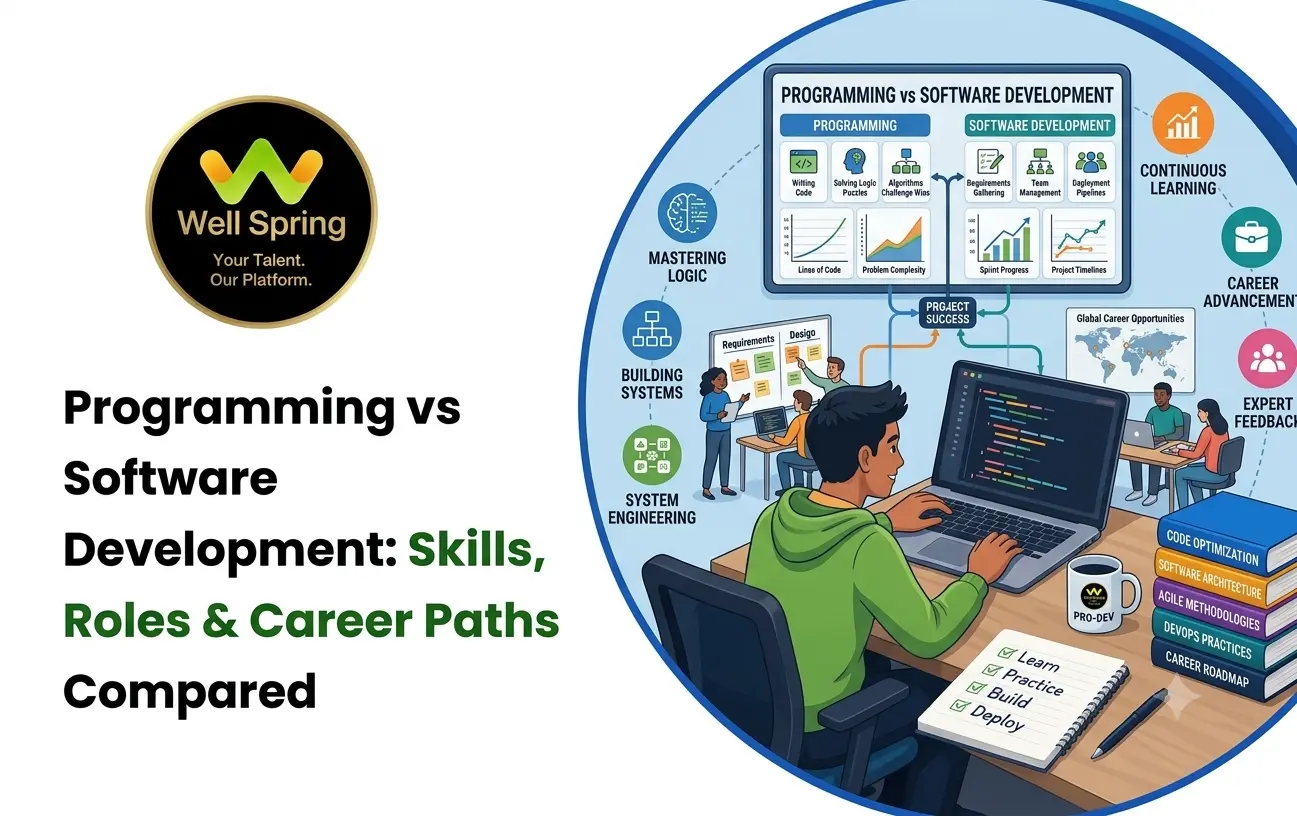

Quick Answer: Programming vs Software Development
Programming mainly focuses on writing, testing and debugging code to solve specific problems. Software development is broader: it includes understanding requirements, planning solutions, programming, databases, APIs, testing, debugging, deployment, documentation, maintenance and collaboration.
In simple terms:
Programming → Writing and working with code
Software Development → Planning, building, testing, delivering and improving software
Programming skills are therefore an important foundation for becoming a software developer, but learning programming alone does not necessarily prepare someone for the complete software development lifecycle. Career guidance from Indeed similarly distinguishes programming-focused responsibilities from the wider activities involved in software creation and management.
Introduction
Many students begin their technology journey with a simple question:
“Should I learn programming or software development?”
The question sounds like these are two completely different career options. In reality, they are closely connected.
Programming is one of the core technical abilities used in software development. A person may learn Python, Java, JavaScript, C++, or another programming language and become comfortable writing code. However, professional software development requires additional abilities such as understanding requirements, designing solutions, working with databases and APIs, using version control, testing applications, debugging problems and collaborating with other people.
This difference becomes especially important when choosing a course, internship or career path.
A student who wants to become a software developer should not stop at:
Learn Syntax → Write Small Programs
A stronger progression is:
Programming Fundamentals → Problem Solving → Application Development → Databases & APIs → Testing & Debugging → Projects → Professional Workflow → Career Preparation
This article compares programming and software development across skills, responsibilities, roles, learning paths and career opportunities so students can choose a direction with greater clarity.
What Is Programming?
Programming is the process of creating instructions that a computer can execute.
A programmer uses programming languages and logical thinking to convert a problem or requirement into executable instructions.
Common programming languages include:
- Python.
- Java.
- JavaScript.
- C.
- C++.
- C#.
- Kotlin.
- Swift.
The language itself is only a tool.
Strong programming requires understanding concepts such as:
- Variables and data types.
- Conditions and loops.
- Functions.
- Object-oriented programming.
- Data structures.
- Algorithms.
- Error handling.
- File handling.
- Debugging.
- Problem-solving.
For example, a student learning Python may initially write a program that calculates student marks.
As programming skills improve, the student may build a student-management application that stores information, processes data and produces useful results.
That transition shows why programming skills are the foundation rather than the entire software development journey.
What Is Software Development?
Software development is the broader process of creating software applications and maintaining them after they are released.
A software developer may participate in several stages of a project.
A typical workflow can look like:
Requirement → Planning → Architecture → Programming → Database/API Integration → Testing → Debugging → Deployment → Maintenance
This means a software developer needs to understand more than programming syntax.
Well Spring's current software-development learning content similarly describes development skills around programming, requirements, databases, APIs, Git, testing, debugging, collaboration and documentation rather than coding alone.
For example, suppose a company wants an online appointment system.
A programmer may write the code required for a particular feature.
A software developer may need to understand:
Business Requirement → User Flow → Database → Backend → API → Frontend → Authentication → Testing → Deployment → Maintenance
The distinction is therefore mainly about scope.
Programming vs Software Development: Core Difference
| Area | Programming | Software Development |
|---|---|---|
| Main focus | Writing and understanding code | Building and maintaining complete software |
| Scope | Narrower technical activity | Broader development lifecycle |
| Main foundation | Programming languages and logic | Programming + engineering + project skills |
| Problem solving | Strongly focused on coding problems | Includes product and technical problems |
| Databases | Useful depending on role | Commonly important |
| APIs | May be limited to coding tasks | Frequently part of application development |
| Testing | Code-level testing/debugging | Broader application testing |
| Version control | Useful | Usually essential in team development |
| Deployment | Not always required | Important for many development roles |
| Collaboration | May be limited depending on work | Common in professional development teams |
| Career scope | Programming-focused roles | Developer, engineer, full-stack, backend and related roles |
The distinction does not mean that programmers and developers are completely separate professions. There is substantial overlap, and many job titles use the terms differently depending on the company.
Programming Skills You Need First
A strong programming foundation makes the transition into software development easier.
1. Programming Fundamentals
You should understand variables, data types, operators, conditions, loops and functions before moving into complex development.
2. Problem-Solving
Programming is not simply remembering syntax.
You need to break a problem into smaller steps and determine how those steps can be translated into executable logic.
3. Data Structures and Algorithms
Arrays, strings, stacks, queues, linked lists, trees, searching and sorting provide important foundations for efficient problem solving.
4. Object-Oriented Programming
Understanding classes, objects, inheritance, encapsulation and polymorphism becomes particularly useful when working with larger applications.
5. Debugging
A professional developer will encounter errors regularly.
Learning how to read error messages, isolate problems, test assumptions and fix bugs is therefore an essential programming skill.
Software Developer Skills Go Beyond Programming
Once programming fundamentals are established, aspiring developers need to expand their technical range.
Software Development Skills
A practical software developer skill set can include:
- Programming languages.
- Data structures and algorithms.
- Git and version control.
- Databases and SQL.
- REST APIs.
- Frontend or backend development.
- Authentication and security basics.
- Testing.
- Debugging.
- Deployment.
- Documentation.
- Code organisation.
- Problem-solving.
- Team collaboration.
- Communication.
Modern software-development learning programs commonly combine programming with areas such as databases, APIs, Git, testing, deployment and development workflows.
The important lesson is that students do not need to master everything simultaneously.
A better approach is progressive learning.
Programming Career vs Software Developer Career
Programming skills can lead into several career directions.
A learner might start with programming and later specialise in:
Junior Programmer
A junior programmer may work primarily on coding tasks, bug fixes and smaller technical assignments.
Software Developer
A software developer generally works on building, modifying, testing and maintaining applications.
Frontend Developer
A frontend developer focuses on the user-facing part of web applications.
Backend Developer
A backend developer works with server-side logic, databases, APIs and application infrastructure.
Full Stack Developer
A full-stack developer works across frontend and backend technologies.
Mobile App Developer
Mobile developers create applications for platforms such as Android and iOS.
AI/ML Developer
Programming can also become a foundation for artificial intelligence and machine-learning development.
DevOps / Cloud-Oriented Roles
Developers who expand into deployment, cloud infrastructure and automation can move toward DevOps-related career paths.
Current software-development career guides commonly identify roles such as software engineer, full-stack developer, backend engineer, AI/ML engineer and DevOps engineer as possible career directions.
Which Is Easier: Programming or Software Development?
Programming is usually easier to approach at the beginning because the learner can start with relatively small problems.
For example:
Input → Process → Output
A beginner can write a program that calculates marks, converts currencies or processes a list of numbers.
Software development becomes more complex because the learner has to think about the complete application.
For example:
Requirement → User Experience → Frontend → Backend → Database → API → Security → Testing → Deployment
Therefore, the better question is not:
“Which one is easier?”
It is:
“What level of responsibility do I want to develop toward?”
Programming is an excellent starting point.
Software development is the broader professional direction for someone who wants to build complete applications and systems.
Programming vs Software Development: Learning Roadmap
A student does not need to jump directly into advanced software engineering.
A practical roadmap can be:
Stage 1: Programming Foundation
Learn one language properly rather than trying to learn several languages superficially.
Python / Java / JavaScript → Syntax → Logic → Functions → OOP
Stage 2: Problem Solving
Start solving increasingly complex programming problems.
Basic Problems → Data Structures → Algorithms → Debugging
Stage 3: Development Fundamentals
Move from isolated programs to applications.
Programming → Git → Database → APIs → Application Structure
Stage 4: Specialisation
Choose an area based on career goals.
Frontend / Backend / Full Stack / Mobile / AI / Cloud
Stage 5: Project Development
Build complete projects instead of relying only on coding exercises.
Idea → Requirements → Design → Development → Testing → Deployment
Stage 6: Career Preparation
Convert your learning into evidence that employers can evaluate.
Projects → GitHub → Portfolio → Resume → Interview Practice → Applications
1. Well Spring Talent Solutions - Practical Learning & Career Preparation
For students in Trichy who want to move from programming fundamentals toward software development, Well Spring Talent Solutions offers programs spanning Python, Java, Full Stack Development, Web Development, Mobile App Development, Software Testing, AI, Cloud & DevOps and related technology areas. Its current public information emphasises practical learning, guided training, projects, internship exposure and career preparation.
The key distinction is the progression from learning concepts to applying them.
Programming-Focused Foundation
Students can begin by strengthening programming concepts and languages such as Python and Java.
Development-Oriented Learning
The learning path can then move toward full-stack and web development, where programming is combined with frontend, backend, databases and APIs.
Practical Project Exposure
The organisation's published approach includes assignments, projects, practical activities and selected internship opportunities. Its internship information also describes exposure to real-time client projects, industry tools, collaboration, code reviews, mentoring and technical discussions.
Career Preparation
Career preparation can include resume guidance, portfolio development, interview preparation and professional profile support.
This makes the overall progression easier to understand:
Programming Foundation → Practical Development → Projects / Internship → Portfolio → Career Preparation
For a student who is unsure whether to stop at programming or continue toward software development, this type of progression demonstrates why the two areas should be viewed as connected stages rather than completely separate choices.
2. GUVI — Technology Learning With Development-Focused Paths
GUVI provides technology-learning content and career-oriented development resources covering areas such as software development and programming.
Its current career guidance describes software development as a path involving programming, core technologies and practical development knowledge, with potential directions including software development and related technical roles.
Consider GUVI When You Want
- Technology-focused online learning.
- Programming foundations.
- Software development career guidance.
- Flexible learning resources.
- Exposure to multiple technology domains.
The key consideration for a learner is to identify whether a specific program provides enough project work and structured practice for their intended career level.
3. Coding Ninjas — Structured Software Development Paths
Coding Ninjas currently publishes structured software development programs covering programming, development technologies, projects, doubt support and career preparation.
Its recent software-development program content describes pathways that combine programming fundamentals with technologies such as Java, Spring Boot or MERN, along with hands-on projects, expert sessions, doubt support and placement assistance.
Suitable For
Coding Ninjas may be worth evaluating if you prefer:
- A structured learning path.
- Technology-specific development tracks.
- Hands-on projects.
- Guided doubt support.
- Career and placement-oriented preparation.
For learners choosing between independent programming study and a structured development path, the curriculum depth and project requirements should be compared carefully.
4. Scaler — Software Engineering and SDE-Focused Learning
Scaler's current software-development resources place strong emphasis on software engineering fundamentals, problem solving and career-oriented development.
Its latest SDE roadmap highlights areas such as programming, computer science fundamentals, problem-solving patterns, system design and preparation for software engineering roles.
Suitable For
Scaler can be considered by learners who are particularly interested in:
- Software engineering.
- Strong programming fundamentals.
- Data structures and algorithms.
- System design.
- SDE-oriented career preparation.
- Structured progression toward technical interviews.
This route may be more appropriate for learners who want to go beyond basic application coding and develop stronger engineering fundamentals.
5. Simplilearn — Broad Online Technology Learning
Simplilearn offers a wide range of programming and software-development courses.
Its current software-development catalogue covers programming fundamentals, full-stack development, databases, APIs, testing, debugging, deployment and other development concepts.
Its free programming catalogue also includes languages such as Python, Java, C, C++, R and Go, allowing learners to build programming foundations before moving into broader development paths.
Suitable For
Simplilearn can be useful for learners looking for:
- Self-paced learning.
- Programming fundamentals.
- Software-development courses.
- Full-stack learning.
- Technology-specific upskilling.
- Introductory learning before deeper specialisation.
The right course should be selected based on the desired role rather than choosing a course simply because it contains many technologies.
6. upGrad — Career-Oriented Software Development Learning
upGrad publishes software-development and SDE career resources covering programming, development fundamentals and professional career paths.
Its current SDE career guidance describes software development engineers as professionals who design, build and improve software solutions, while its learning resources cover multiple career-oriented technology pathways.
Suitable For
Learners may consider upGrad when they are looking for:
- Structured career-oriented learning.
- Software development pathways.
- Full-stack development.
- Software engineering preparation.
- Professional upskilling.
For any longer-term program, learners should compare curriculum, mentorship, project requirements, duration and career-support terms before enrolling.
Programming Skills vs Software Development Skills
A useful way to understand the difference is to separate coding ability from development capability.
| Programming Skills | Software Development Skills |
|---|---|
| Syntax | Requirements understanding |
| Variables | Application architecture |
| Loops | Database design |
| Functions | API integration |
| OOP | Version control |
| Data structures | Testing |
| Algorithms | Debugging |
| Coding logic | Deployment |
| Code-level debugging | Documentation |
| Language knowledge | Team collaboration |
There is significant overlap.
For example, debugging is both a programming skill and a software-development skill.
The difference is the context in which that skill is applied.
Real Example: From Programmer to Developer
Consider a student who knows Python.
They can write:
Python → Functions → Loops → File Handling
That gives them a programming foundation.
Next, they learn:
Python → SQL → Database → Flask/Django → APIs → HTML/CSS/JavaScript
Now they can begin creating applications.
Then they add:
Git → Testing → Authentication → Deployment → Documentation
At this point, the student is developing a much broader software-development skill set.
Finally:
Projects → Portfolio → Internship → Interview Preparation → Junior Developer Role
This is the practical transition from programming knowledge toward a software developer career.
Common Mistakes Students Make
Learning Too Many Programming Languages
Knowing five languages at a beginner level is usually less useful than becoming comfortable with one language and learning how to build with it.
Focusing Only on Syntax
Memorising syntax does not automatically create problem-solving ability.
Avoiding Projects
Tutorials explain concepts, but projects force learners to make decisions and solve unexpected problems.
Ignoring Git
Professional development commonly involves version control and collaborative workflows.
Skipping Databases
Many real-world applications need to store, retrieve and modify information.
Avoiding Debugging
Debugging is not evidence that you are bad at programming. It is part of development.
Chasing Certificates Without Skills
A certificate can document learning, but a working project gives employers something more concrete to evaluate.
Trying to Learn Everything at Once
A focused learning roadmap is generally easier to sustain than continuously switching between technologies.
How to Choose Between a Programming Course and a Software Development Course
Use your current level and career goal.
Choose a Programming-Focused Path If:
- You are completely new to coding.
- You need to strengthen logic and fundamentals.
- You want to understand a language properly.
- You are preparing for coding-based assessments.
- You want a foundation before choosing a development specialisation.
Choose a Software Development Path If:
- You already understand basic programming.
- You want to build complete applications.
- You want to work with databases and APIs.
- You want to create portfolio projects.
- You are targeting developer roles.
- You want exposure to professional development workflows.
Choose a Combined Path If:
You are a beginner who ultimately wants to become a software developer.
The strongest progression can be:
Programming → Development → Projects → Internship → Career Preparation
Programming vs Software Development: Career Decision Framework
Instead of choosing based only on course names, answer these questions:
Question 1: Do You Enjoy Writing Code?
If yes, programming is a good foundation.
Question 2: Do You Want to Build Complete Applications?
If yes, continue beyond programming into software development.
Question 3: Do You Enjoy Solving Open-Ended Problems?
Software development involves requirements that may not always have one obvious answer.
Question 4: Do You Want a Developer Career?
If yes, build programming fundamentals and then develop application-building skills.
Question 5: Do You Prefer a Specific Technology?
You can specialise later in areas such as Python development, Java development, frontend, backend, full stack, mobile, AI or cloud.
A Practical 6-Step Career Path
For a student starting from zero, this can be a practical progression:
1. Learn One Programming Language
Build a strong foundation in Python, Java or another suitable language.
↓
2. Strengthen Problem-Solving
Practise logic, algorithms and data structures.
↓
3. Learn Development Fundamentals
Add Git, databases, APIs and application architecture.
↓
4. Build Complete Projects
Create applications that solve realistic problems.
↓
5. Gain Practical Exposure
Use internships, project work or collaborative development to understand professional workflows.
↓
6. Prepare for the Job Market
Build your portfolio, resume, GitHub profile and interview skills.
This approach prevents the common mistake of treating “learning programming” as the final destination.
Final Thoughts
The debate around programming vs software development becomes much clearer when the two are viewed as connected rather than competing choices.
Programming teaches you how to make computers perform tasks.
Software development teaches you how to turn requirements and ideas into usable software.
That is why the strongest career path usually does not require choosing one and rejecting the other.
Instead:
Programming Skills → Problem Solving → Software Development Skills → Projects → Practical Experience → Software Developer Career
If you are starting from the beginning, build your programming foundation first. Once you are comfortable solving problems with code, expand into databases, APIs, Git, testing, application development and deployment.
The goal is not simply to become someone who can write code.
The goal is to become someone who can use code to solve real problems and build software that works.



