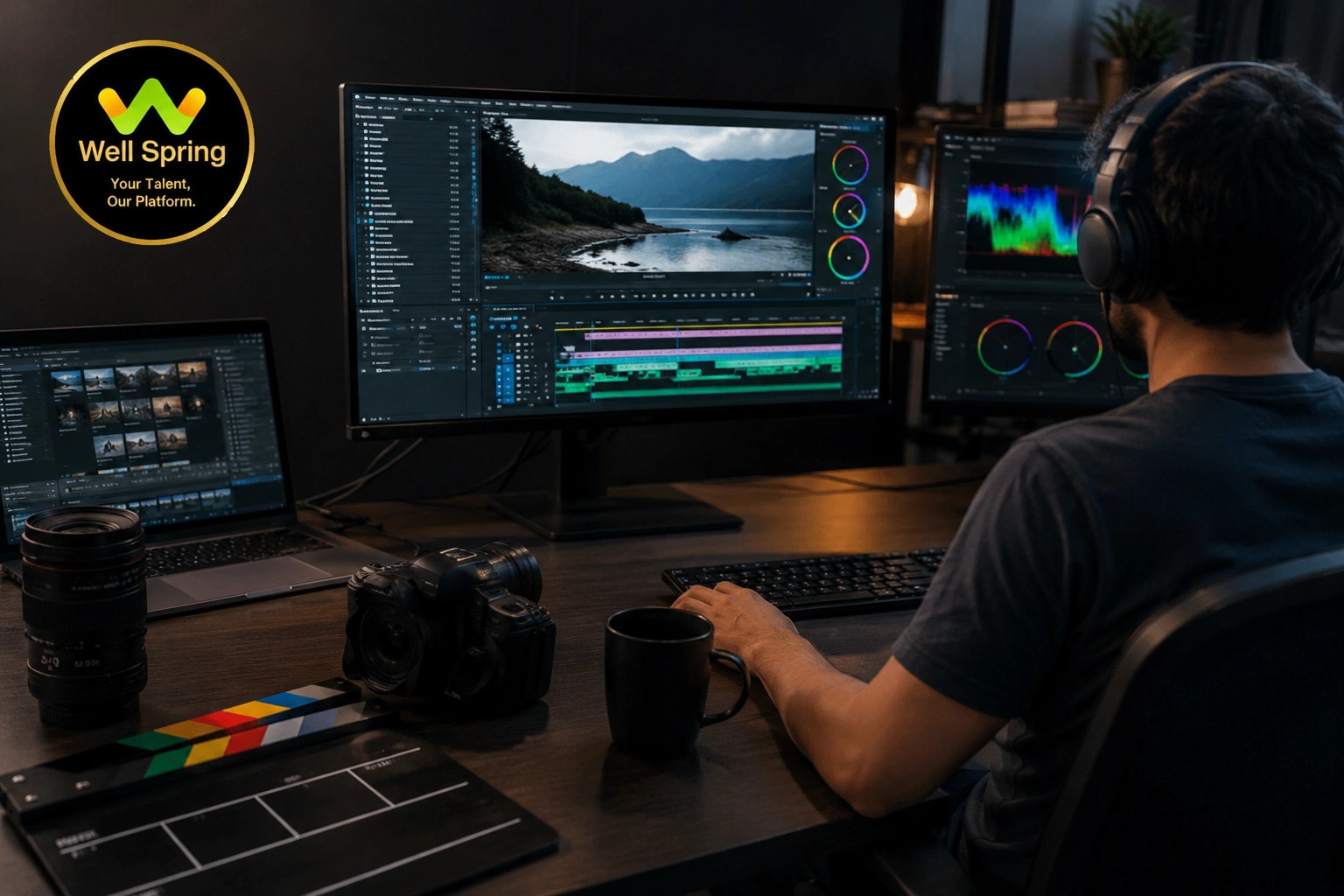
Our Video Editing Course in Trichy combines creative techniques with practical software training, helping you become a confident video editor.
Introduction to Video Editing
Begin by learning the fundamentals of video production and the role of an editor in the creative process.
Video editing basics
Types of video content
Understanding frame rates
Video formats and resolutions
Editing workflow
Adobe Premiere Pro
Master one of the world's most popular professional video editing applications.
Interface navigation
Timeline editing
Multi-track editing
Trimming and sequencing
Keyboard shortcuts
Project management
Audio Editing & Sound Design
Professional videos require clear and balanced audio.
Audio synchronization
Background music editing
Voice enhancement
Noise reduction
Sound effects
Audio mixing
Transitions & Visual Effects
Create engaging videos using smooth transitions and creative visual enhancements.
Scene transitions
Video effects
Keyframe animation
Speed adjustments
Slow motion
Time remapping
Motion Graphics with After Effects
Learn how motion graphics make videos more dynamic and professional.
Animated titles
Logo reveals
Intro videos
Lower thirds
Text animations
Motion graphics
Colour Correction & Colour Grading
Improve the appearance of your videos by adjusting colours and lighting.
Colour correction
Cinematic colour grading
Exposure adjustments
White balance
Skin tone correction
LUTs
Green Screen & Visual Compositing
Discover how editors replace backgrounds and combine multiple visual elements.
Green screen editing
Background replacement
Chroma key effects
Layer compositing
Masking basics
Editing for Social Media Platforms
Learn editing techniques that are suitable for today's digital platforms.
Instagram Reels
YouTube Shorts
Facebook Videos
Promotional Ads
Vertical Videos
Social Media Campaigns
DaVinci Resolve Basics
Get introduced to another industry-standard editing platform widely used for professional video editing and colour grading.
Interface overview
Basic editing
Colour grading tools
Audio workflow
Export settings
Portfolio & Final Production Project
Complete a professional editing project by combining everything you've learned throughout the course.
Promotional video
Brand advertisement
Travel vlog
Event highlights
Documentary-style edit
YouTube content
By the end of the course, you'll be confident using Adobe Premiere Pro, After Effects, and DaVinci Resolve to produce professional-quality videos. Whether your goal is to create engaging social media content, edit YouTube videos,
develop motion graphics, or work in media production, this course gives you practical experience that prepares you for real creative opportunities.