
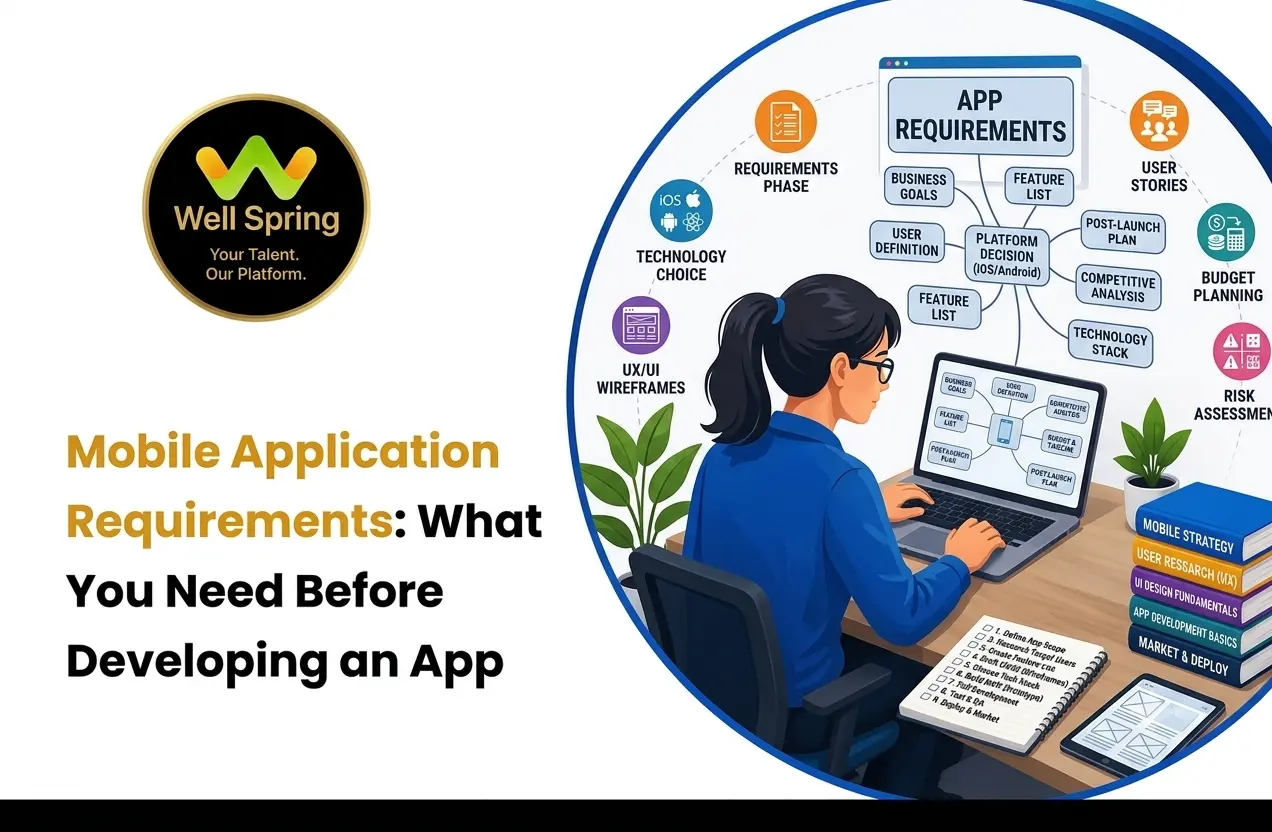

Developing a mobile app requires more than choosing a programming language and designing screens. Before development begins, you need to define the app's purpose, target users, features, platforms, technical needs, security requirements, and testing expectations.
These specifications are called mobile application requirements. They help developers, designers, testers, and business teams understand what needs to be built and how the application should work.
This guide explains the main mobile app development requirements, including functional, technical, UI/UX, security, platform, integration, testing, and deployment requirements.
Quick Answer: What Are Mobile Application Requirements?
Mobile application requirements are the specifications that define what a mobile app should do, who will use it, how it should work, and what technical conditions it must meet.
They commonly include:
- Business objectives
- Target users
- App features
- Functional requirements
- Technical requirements
- UI/UX requirements
- Security and privacy
- Platform and device support
- APIs and integrations
- Testing
- Deployment
Clearly defining these requirements before development helps control project scope, reduce misunderstandings, prioritise features, and create a better development plan.
What Should You Define Before Developing a Mobile App?
Before development starts, answer these basic questions:
- What problem will the app solve?
- Who will use it?
- What are the essential features?
- Will it support Android, iOS, or both?
- What data needs to be stored?
- Does it need a backend or APIs?
- Does it require payments, maps, notifications, or other integrations?
- What security requirements must be followed?
- How should the app perform on different devices?
- How will the application be tested and released?
These answers form the foundation of the application's requirements.
Main Types of Mobile Application Requirements
Most mobile projects can be planned using the following requirement categories:
- Business requirements
- User requirements
- Functional requirements
- Non-functional requirements
- Technical requirements
- UI/UX requirements
- Security requirements
- Platform and device requirements
- Integration requirements
- Testing requirements
- Deployment requirements
Each category covers a different part of the application.
1. Business Requirements
Business requirements explain why the app is being developed.
Define:
- The problem the app solves
- Target audience
- Business objective
- Expected value
- Success measures
- Scope of the first version
For example, instead of saying:
“Build a food delivery app.”
A clearer requirement would be:
“Create an app that allows customers to find restaurants, view menus, place orders, make payments, and track deliveries.”
This gives the development team a clear project objective.
2. User Requirements
User requirements explain what different users need to do inside the application.
For example, an online learning app may have:
Students
- Register and log in
- Browse courses
- Watch lessons
- Complete quizzes
- Track progress
Instructors
- Create courses
- Upload lessons
- Manage students
- Review assignments
Administrators
- Manage users
- Manage courses
- View reports
- Control settings
Defining user roles early helps determine permissions, navigation, and features.
3. Mobile App Functional Requirements
Mobile app functional requirements describe what the application must do.
Common examples include:
- Registration and login
- User profiles
- Search
- Filtering
- Booking
- Shopping cart
- Payments
- Messaging
- Notifications
- File uploads
- Location services
- Admin management
A functional requirement should explain the expected behaviour.
Example
Instead of:
Payment feature
Write:
Users should be able to select a payment method, complete a transaction, and receive confirmation after successful payment.
This makes the requirement easier to develop and test.
4. Non-Functional Requirements
Non-functional requirements explain how well the application should operate.
Important areas include:
Performance
The app should load screens efficiently and respond smoothly to user actions.
Reliability
The application should handle errors, failed requests, and network interruptions appropriately.
Scalability
The backend should be capable of supporting the expected number of users and data.
Usability
Users should be able to navigate the application easily and understand its main functions.
Accessibility
The application should consider readable text, suitable contrast, accessible controls, and other usability needs.
5. Mobile App Technical Requirements
Mobile app technical requirements define the technology and infrastructure needed to build the application.
These may include:
- Android and/or iOS
- Minimum supported OS versions
- Native or cross-platform development
- Programming languages
- Frameworks
- Backend
- Database
- APIs
- Authentication
- Cloud services
- Application architecture
The technology should be selected based on the application's requirements rather than choosing a technology first and trying to fit the project around it.
Backend and Database Requirements
Many applications need backend services to manage:
- User accounts
- Products
- Orders
- Payments
- Messages
- Course information
- Application settings
The database requirements should identify what information needs to be stored and how that information will be managed.
6. UI/UX Requirements
UI/UX requirements describe how users interact with the application.
Consider:
- Navigation
- Screen structure
- Buttons
- Forms
- Typography
- Colours
- Icons
- Images
- Loading states
- Empty states
- Error messages
- Success messages
A simple user flow could be:
Login → Home → Search → Product → Cart → Checkout → Payment → Confirmation
Mapping important journeys before development helps designers and developers understand how screens and features connect.
7. Security and Privacy Requirements
Security should be included from the beginning of the project.
Common requirements include:
- Secure authentication
- Authorisation
- Password protection
- Secure API communication
- Data encryption
- Secure storage
- Session management
- Access controls
- Payment protection
- Backup and recovery
Applications handling personal, financial, educational, or other sensitive information may require additional privacy and security considerations.
8. Platform and Device Requirements
Define which devices the application needs to support.
Consider:
- Android
- iOS
- Minimum OS versions
- Phones
- Tablets
- Different screen sizes
- Portrait and landscape orientation
- Camera
- GPS
- Bluetooth
- Microphone
- Notifications
You do not necessarily need to support every device. The supported environment should be based on the application's target users.
9. API and Integration Requirements
Many mobile applications depend on external services.
Examples include:
- Payment gateways
- Maps
- SMS services
- Email services
- Social login
- Cloud services
- Push notifications
- Analytics
For each integration, define what service is required, what data is exchanged, how authentication works, and what happens if the service becomes unavailable.
10. Offline and Network Requirements
Define how the app should behave when the network is unavailable or unreliable.
Consider:
- Offline access
- Failed API requests
- Slow connections
- Retry options
- Session expiration
- Data synchronisation
For example, a note-taking app may allow users to work offline and synchronise data later. A payment application may require an active connection before completing a transaction.
11. Testing Requirements
Testing should be planned before development is completed.
Important testing areas include:
- Functional testing: Checks whether features work correctly.
- Usability testing: Checks whether users can complete tasks easily.
- Performance testing: Checks speed and responsiveness.
- Security testing: Checks authentication and data protection.
- Compatibility testing: Checks supported devices and operating systems.
- Integration testing: Checks communication between the app, backend, APIs, and external services.
Each major feature should also have clear acceptance criteria.
12. Deployment Requirements
After development, the application needs to be prepared for release.
Deployment requirements may include:
- Developer accounts
- App icon
- Screenshots
- Store description
- Privacy information
- Version number
- Release build
- Signing
- Production server
- Monitoring
- Update process
Planning deployment early helps avoid problems when the application is ready to launch.
How to Define Mobile App Development Requirements
A simple process can help turn an app idea into a development plan.
Step 1: Define the Problem
Clearly explain what problem the application will solve.
Step 2: Identify Users
List the target users and their main needs.
Step 3: List Core Features
Separate essential launch features from future ideas.
Step 4: Map User Journeys
Show how users move through important tasks.
Step 5: Define Functional Requirements
Explain what each feature should do.
Step 6: Define Technical Requirements
Document platforms, backend, database, APIs, authentication, and integrations.
Step 7: Define Quality Requirements
Consider performance, security, reliability, usability, and compatibility.
Step 8: Prioritise Features
Use categories such as Must Have, Should Have, Could Have, and Later.
Step 9: Define Testing
Decide how each important feature will be tested.
Step 10: Review Before Development
Review the requirements with the relevant business, design, development, and testing teams.
Mobile Application Requirements Checklist
Before development begins, check that you have defined:
Business
- Problem
- Target users
- Business objective
- Project scope
Features
- Core features
- User roles
- User journeys
- Functional requirements
- Error scenarios
Technical
- Android/iOS support
- OS versions
- Backend
- Database
- APIs
- Authentication
- Integrations
Design
- Navigation
- Screen structure
- Branding
- Forms
- Loading and error states
- Accessibility
Quality
- Performance
- Security
- Reliability
- Compatibility
- Testing
Launch
- App Store requirements
- Production environment
- Monitoring
- Updates
Simple Mobile App Requirements Example
Consider a food delivery application.
Users
- Customers
- Restaurants
- Delivery partners
- Administrators
Customer Requirements
Customers should be able to:
- Register and log in
- Find restaurants
- Browse menus
- Add food to a cart
- Place orders
- Pay online
- Track orders
- Receive notifications
Technical Requirements
The application may require:
- Android and iOS support
- Backend APIs
- Database
- Authentication
- Payment integration
- Location services
- Push notifications
Security Requirements
The application should protect account information, authentication credentials, order data, and payment-related information.
Testing Requirements
The main workflows should be tested for registration, ordering, payment, notifications, location tracking, network failures, and device compatibility.
This example shows how a general app idea can be converted into clear development requirements.
How Should App Requirements Be Prioritised?
Not every feature needs to be included in the first version.
| Priority | Meaning | Example |
|---|---|---|
| Must Have | Required for launch | Login, checkout |
| Should Have | Important but not essential | Notifications |
| Could Have | Useful addition | Advanced filters |
| Later | Future development | AI assistant |
Prioritisation helps keep the first version focused and prevents unnecessary complexity.
Common Mistakes When Defining App Requirements
Starting With Technology
Choosing a programming language before understanding the problem can lead to poor technical decisions.
Better approach: Define the users, features, and project constraints first.
Adding Too Many Features
Trying to include every possible feature can increase development time and complexity.
Better approach: Focus on the essential first version.
Ignoring Error Scenarios
Requirements should explain what happens when payments fail, networks disconnect, permissions are denied, or APIs become unavailable.
Forgetting Non-Functional Requirements
An app can have the right features but still fail because it is slow, unreliable, difficult to use, or insecure.
Not Defining Acceptance Criteria
A feature should have a clear condition for determining whether it has been completed successfully.
Practical Learning for Aspiring Mobile Developers
Understanding mobile application requirements is useful for students and aspiring developers because real software development involves more than writing code.
A typical development process may look like:
Requirements → Planning → UI/UX → Development → APIs → Database → Testing → Deployment
Students can strengthen their skills by building practical projects that involve these stages. Projects and internships can also help them understand debugging, teamwork, communication, version control, testing, and real development workflows.
For students in Trichy, practical IT training and internship opportunities can provide additional exposure to software development concepts and project-based learning.
Well Spring Talent Solutions supports practical IT learning through hands-on training, projects, internships, career guidance, interview preparation, and placement-focused support.
Key Takeaways
- Mobile application requirements define what an app needs to do and how it should operate.
- Start with the problem and users before choosing technology.
- Functional requirements describe what the app does.
- Technical requirements describe how the application will be built and supported.
- Security, performance, usability, and compatibility should be considered early.
- Prioritise essential features for the first version.
- Define testing and acceptance criteria before development is complete.
- A clear requirements document provides a practical foundation for successful app development.
Conclusion
Clear requirements are the foundation of successful mobile app development.
Before writing code, define the problem, users, business objective, features, user journeys, mobile app functional requirements, technical requirements, security, supported platforms, integrations, testing, and deployment needs.
A good requirements process does not need to be complicated. It simply needs to make the expected application clear to everyone involved.
For students and aspiring developers, understanding this process is also an important part of learning software development. By working on practical projects and gaining exposure to real development workflows, they can better understand how requirements become working applications.
Whether you are planning a new business app or learning mobile development, defining your mobile application requirements is the right place to start.



