

Introduction
Building a mobile application often requires much more than designing screens and writing application logic. A real app may need user login, data storage, file uploads, notifications, analytics, crash monitoring, and other backend capabilities.
Developers can build these services independently, but that can require significant backend development and infrastructure management. Firebase provides a collection of cloud-based services that can help developers add many of these capabilities to applications without building every backend service from scratch.
For students learning mobile development, Firebase is useful because it provides practical exposure to authentication, databases, cloud services, analytics, notifications, and application monitoring within real projects.
So, what is Firebase, and why is it widely used in mobile app development?
Let's explore it from a beginner's perspective.
Quick Answer: What Is Firebase?
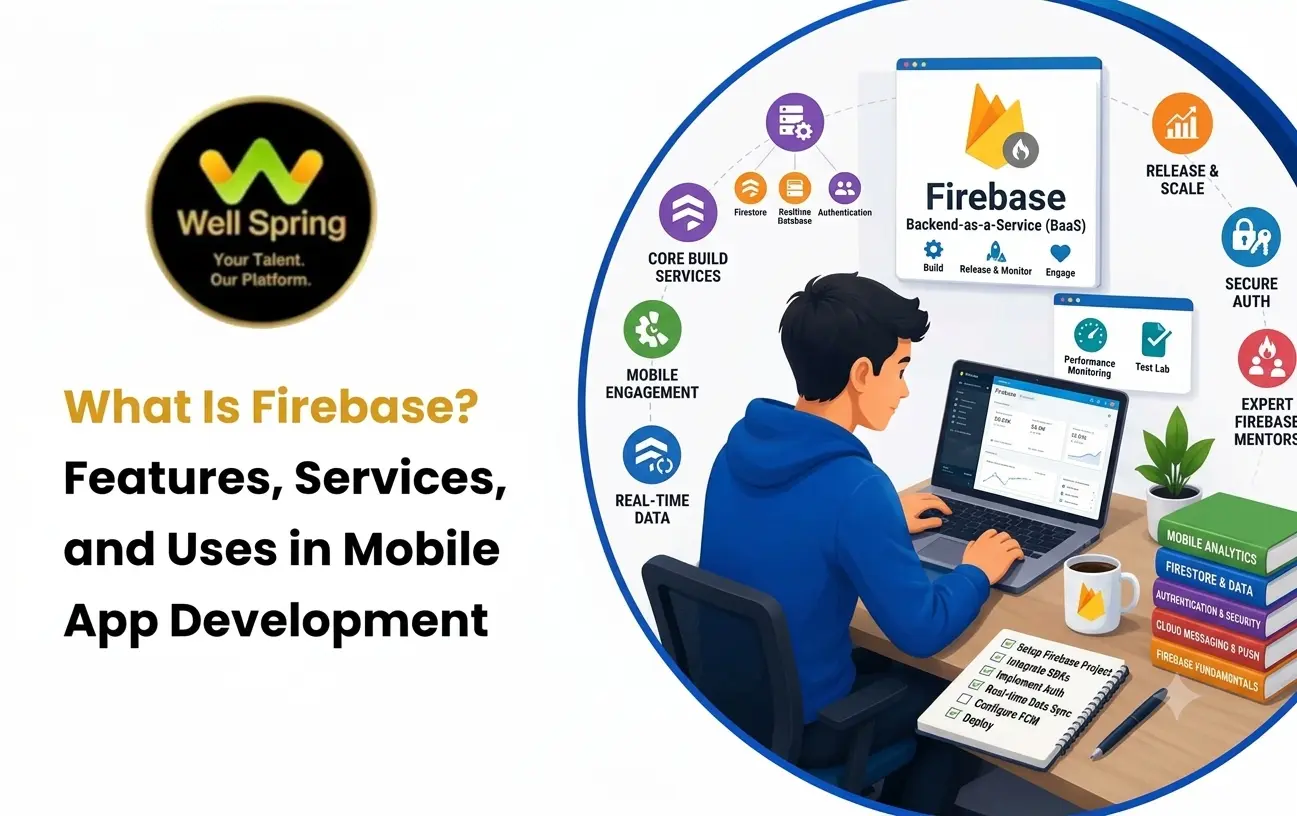
Firebase is a Google-backed application development platform that provides cloud services and development tools for building, running, monitoring, and improving web and mobile applications. Its services include authentication, databases, cloud storage, messaging, analytics, crash reporting, and other tools that can reduce the amount of backend infrastructure developers need to build themselves.
What Is Firebase?
Firebase is a development platform that provides a collection of services for application developers.
Instead of creating every backend capability independently, developers can use Firebase services where they fit the application's requirements.
For example, a mobile application could use Firebase for:
- User authentication.
- Cloud-hosted application data.
- File storage.
- Push notifications.
- Application analytics.
- Crash reporting.
- Remote configuration.
- App testing and monitoring.
This means Firebase can act as an important part of an application's technology stack.
However, Firebase is not simply a database or authentication system. It is an ecosystem containing multiple services that solve different development and operational problems.
What Is Google Firebase?
Google Firebase refers to Firebase as part of Google's developer ecosystem.
Firebase became part of Google and has continued to develop as a platform for application developers.
The important distinction for beginners is this:
Firebase is a platform, not a single product.
Different Firebase services address different needs.
For example:
| Requirement | Possible Firebase Service |
|---|---|
| User sign-in | Firebase Authentication |
| Application data | Cloud Firestore / Realtime Database |
| File uploads | Cloud Storage for Firebase |
| Notifications | Firebase Cloud Messaging |
| Usage insights | Google Analytics for Firebase |
| Crash monitoring | Firebase Crashlytics |
| Feature configuration | Remote Config |
The exact service combination depends on the application.
Why Do Developers Use Firebase?
Developers often choose Firebase when they want to add backend-related functionality without managing every backend component themselves.
For example, imagine building a student learning application.
The app might require:
- Student registration.
- Login.
- Course information.
- Profile data.
- Assignment files.
- Notifications.
- Usage measurement.
- Crash monitoring.
Building all these systems independently could require a backend API, database, authentication system, file storage, notification infrastructure, analytics tools, and monitoring.
Firebase can provide several of these capabilities as managed services.
This can allow developers to spend more time on the application's actual user experience and functionality.
Major Firebase Services
Firebase contains several services, and beginners do not need to learn all of them simultaneously.
The most useful starting point is understanding what each service is designed to do.
1. Firebase Authentication
Firebase Authentication provides authentication capabilities for applications.
Authentication answers a basic question:
"Who is this user?"
An application can use authentication to support account creation and sign-in through supported methods.
Depending on the implementation, users may authenticate through options such as:
- Email and password.
- Phone-based authentication.
- Federated identity providers.
- Other supported authentication methods.
For example, a learning app might allow a student to create an account and sign in before accessing personal course progress.
Authentication should not be confused with authorization.
Authentication identifies the user, while authorization determines what that user is allowed to access.
That distinction becomes especially important when developing applications with different user roles.
2. Firebase Database
Firebase provides database options for applications, including Cloud Firestore and Realtime Database.
These services allow applications to store and retrieve structured application data.
For example, a learning application could store information such as:
students
  ├── student_id
  ├── name
  ├── email
  └── course_progress
A different application might store:
products
orders
customers
reviews
The database structure should be designed around how the application actually reads, writes, queries, and secures information.
Cloud Firestore
Cloud Firestore is a cloud-hosted NoSQL database designed for application development.
It organises information using concepts such as collections and documents.
A simplified structure might look like:
courses
   |
   ├── course_101
   |      ├── title
   |      ├── duration
   |      └── instructor
   |
   └── course_102
          ├── title
          ├── duration
          └── instructor
Firestore can be useful when an application needs flexible data structures and querying capabilities.
Realtime Database
Firebase Realtime Database is another cloud-hosted database designed around synchronising data in real time.
It stores data as a JSON-like tree and can be useful for applications where clients need changes to be reflected quickly.
Potential examples include:
- Live status information.
- Simple collaborative features.
- Real-time dashboards.
- Chat-related functionality.
Choosing between Firestore and Realtime Database should depend on the application's data model and access requirements rather than simply choosing whichever name is more familiar.
3. Firebase Cloud Storage
Applications often need to handle files rather than just text and structured data.
Examples include:
- Profile photographs.
- Assignment documents.
- Product images.
- Videos.
- Certificates.
- Other user-generated files.
Cloud Storage for Firebase provides cloud-based file storage that applications can use for these scenarios.
For example, a student learning application could allow users to upload an assignment document.
The application might:
- Select the file.
- Upload it to cloud storage.
- Receive information about the stored file.
- Save relevant metadata in the application's database.
- Display the uploaded assignment in the user's account.
This demonstrates why database storage and file storage are not necessarily the same thing.
4. Firebase Cloud Messaging
Firebase Cloud Messaging, commonly known as FCM, enables applications to send messages and notifications to supported client applications.
For example, a learning application could send a notification when:
- A new lesson becomes available.
- An assignment deadline is approaching.
- A course announcement is published.
- A relevant event occurs.
The application needs appropriate notification handling and user permissions, especially on modern mobile platforms.
Notifications should also provide meaningful value instead of becoming unnecessary interruptions.
5. Firebase Crashlytics
An application can appear to work correctly during development and still experience crashes after release.
The problem is that developers cannot manually observe every user's device, operating system version, application state, and interaction sequence.
Crashlytics helps developers understand application crashes and related stability problems.
This can help teams investigate:
- Which crashes are occurring.
- Which application versions are affected.
- What conditions are associated with the problem.
- Which issues may require priority attention.
Monitoring production behaviour is an important part of professional application development.
6. Firebase Analytics
Understanding how people use an application can help developers make better product decisions.
Firebase integrates with Google Analytics for Firebase to provide insights into application usage and user behaviour.
For example, developers might analyse:
- Screen or feature usage.
- User engagement.
- Important events.
- Conversion-related behaviour.
- Retention-related information.
Analytics becomes more useful when developers define meaningful events rather than collecting large amounts of data without a specific question in mind.
7. Firebase Remote Config
Remote Config can allow developers to change certain application behaviour or configuration without requiring users to receive a completely new application version for every configuration adjustment.
Possible uses include:
- Controlling feature availability.
- Adjusting selected interface behaviour.
- Testing different configurations.
- Managing application settings remotely.
It should not be treated as a replacement for proper application architecture or backend authorization.
How Firebase Works in a Mobile App
A mobile application communicates with Firebase services through the relevant Firebase SDKs and APIs.
A simplified example looks like this:
            MOBILE APPLICATION
                    |
        +-----------+-----------+
        |           |           |
        v           v           v
 Authentication  Database    Storage
        |           |           |
        +-----------+-----------+
                    |
                    v
             Firebase Services
Consider a student registering for an online course.
The process could involve several services:
Step 1: The student creates an account.
Step 2: Firebase Authentication handles the identity-related operation.
Step 3: The application retrieves or stores relevant student information.
Step 4: Course information is retrieved from the appropriate database.
Step 5: If the student uploads an assignment, the file can be stored using Cloud Storage.
Step 6: A notification can later be delivered using Firebase Cloud Messaging.
Step 7: Application activity and stability can be monitored through analytics and crash reporting.
The important point is that these are separate services solving different problems.
Firebase App Development: Where Is It Used?
Firebase app development can support many types of applications.
Educational Applications
Firebase can support:
- Student accounts.
- Course information.
- Progress tracking.
- Notifications.
- Assignment uploads.
E-Commerce Applications
A shopping application might use Firebase for selected features such as:
- Authentication.
- Product-related data.
- Notifications.
- Analytics.
- Crash monitoring.
However, payment processing and sensitive transaction logic may require additional backend architecture and specialised services.
Social Applications
Firebase services can support features such as:
- User accounts.
- Profiles.
- Messaging-related functionality.
- Notifications.
- Media storage.
The exact architecture depends on scale, real-time requirements, moderation, privacy, and other product needs.
Appointment Applications
A booking application could use Firebase for:
- User accounts.
- Appointment information.
- Notifications.
- Application analytics.
More complex scheduling rules may still require dedicated backend logic.
Portfolio and Student Projects
Firebase can be particularly useful for learning projects because students can build applications that include real authentication, cloud data, file uploads, and notifications instead of creating only static screens.
Firebase vs Building a Backend From Scratch
Firebase is not automatically the right solution for every application.
The better question is:
"Which approach fits the project's requirements?"
| Area | Firebase-Based Approach | Custom Backend |
|---|---|---|
| Initial development | Can be faster for supported features | Usually requires more setup |
| Infrastructure | Many services are managed | Team manages more infrastructure |
| Custom backend logic | May require additional services | Greater direct control |
| Database options | Firebase database services | Team chooses database technology |
| Vendor dependency | Higher dependence on Firebase services | More control over technology choices |
| Scaling approach | Depends on service and architecture | Team designs scaling strategy |
| Learning value | Strong for rapid application development | Strong for backend engineering depth |
A custom backend can be more appropriate when an application requires highly specialised server-side behaviour, complex infrastructure control, or architectural requirements that do not fit well with a managed platform.
Advantages of Firebase
Firebase can offer several practical benefits.
Faster Development
Developers can use existing services instead of implementing every common backend capability themselves.
Integrated Services
Authentication, databases, storage, messaging, analytics, and monitoring can be used as part of the same broader ecosystem.
Useful for Prototypes
Firebase can help developers validate application ideas without first building a large backend infrastructure.
Good Learning Opportunities
Students can experience real application features such as authentication, cloud databases, and notifications.
Reduced Infrastructure Management
Managed services can reduce the amount of infrastructure developers need to configure and maintain themselves.
Limitations and Things to Consider
Firebase also has trade-offs.
Vendor Dependency
An application designed deeply around Firebase services can become more dependent on that ecosystem.
Cost Awareness
Cloud services may involve usage-based costs, so developers should understand pricing, quotas, billing, and resource consumption before launching applications at scale.
Data Modelling Matters
Using a managed database does not eliminate the need to understand data modelling, querying, security, and application requirements.
Complex Backend Logic
Some applications need server-side logic that goes beyond what should be handled directly by the mobile client.
Security Still Matters
Using Firebase does not automatically make an application secure.
Developers still need to configure authentication, database rules, storage permissions, API access, and other security controls correctly.
Firebase Security: What Beginners Should Understand
Security is one of the most important concepts to learn alongside Firebase.
A common beginner mistake is assuming:
"If Firebase manages the backend, security is automatically handled."
That is not correct.
Developers need to understand:
- Authentication.
- Authorization.
- Database security rules.
- Storage access rules.
- User roles.
- Data validation.
- Secure handling of credentials and configuration.
- Protection of sensitive information.
For example, a student should be able to view their own private academic information, but that does not automatically mean every authenticated user should be able to access every student's records.
The application must enforce appropriate access rules.
Beginner Firebase Projects to Build
Students can learn Firebase more effectively by integrating it into projects.
Here are some useful project ideas.
Student Course Tracker
Build an application where students can:
- Create accounts.
- View courses.
- Track progress.
- Store personal information.
- Receive notifications.
Expense Tracker
Allow users to:
- Sign in.
- Add expenses.
- Categorise transactions.
- Store records in the cloud.
- View spending information.
Event Registration App
Create an application where users can:
- Register.
- Browse events.
- Save registration information.
- Receive event notifications.
Simple Community App
Build a small application with:
- User accounts.
- Profiles.
- Posts.
- Images.
- Notifications.
The purpose of these projects is not to reproduce a commercial platform. It is to understand how individual Firebase services solve real development requirements.
How to Start Learning Firebase
A beginner-friendly learning sequence can be simple.
Step 1: Learn Mobile Development Fundamentals
Understand screens, navigation, user input, application state, and basic programming.
Step 2: Create a Firebase Project
Learn how a mobile application connects to a Firebase project.
Step 3: Learn Authentication
Start with user registration and login.
Step 4: Learn a Firebase Database
Create, read, update, and delete application data.
Step 5: Add Cloud Storage
Practice uploading and retrieving files.
Step 6: Explore Notifications
Understand how Firebase Cloud Messaging can support application communication.
Step 7: Add Analytics and Crash Monitoring
Learn how application behaviour and stability can be observed after deployment.
Step 8: Build One Complete Project
Combine several services into a meaningful application instead of learning each service only through isolated tutorials.
Common Firebase Mistakes Beginners Make
Treating Firebase as Only a Database
Firebase includes many services, and understanding their different purposes is more useful than thinking of it as simply a database.
Putting Sensitive Logic in the App
Mobile applications should not be trusted with responsibilities that require secure server-side enforcement.
Ignoring Security Rules
A database that works correctly but exposes information to the wrong users is still an incorrectly designed application.
Learning Services Without Building Anything
Watching tutorials about Firebase services is less valuable than applying those services to an actual project.
Choosing Services Without Understanding the Requirement
A feature should determine the technology choice, not the other way around.
Ignoring Cost and Usage
Cloud resources should be monitored as an application grows.
What Should Students Learn Alongside Firebase?
Firebase is more useful when combined with fundamental development skills.
Students should gradually understand:
- Programming fundamentals.
- Mobile UI development.
- Object-oriented programming.
- APIs and networking.
- JSON and data structures.
- Databases.
- Authentication and authorization.
- Git and version control.
- Debugging.
- Application security.
- Testing.
- Basic cloud concepts.
This combination helps students understand not only how to use Firebase, but also why a particular Firebase service is appropriate for a particular problem.
Key Takeaways
- Firebase is a Google-backed application development platform containing multiple services rather than being a single database.
- Firebase Authentication can provide identity and sign-in capabilities for applications.
- Firebase offers database services such as Cloud Firestore and Realtime Database for storing application data.
- Cloud Storage for Firebase can handle files such as images and documents.
- Firebase Cloud Messaging supports application messaging and notifications.
- Crashlytics and Analytics help developers understand application stability and usage.
- Firebase can accelerate development, but developers still need to understand architecture, security, data modelling, and application requirements.
- Students can learn Firebase effectively by integrating its services into complete projects.
Conclusion
Firebase gives mobile developers access to a broad collection of managed services that can simplify common application development requirements. From Firebase Authentication and databases to storage, messaging, analytics, and crash monitoring, developers can choose the services that match their application's needs.
For students, Firebase is especially valuable when it is learned through practical projects. Instead of memorising individual services, learners should build applications that require real user accounts, cloud data, file handling, notifications, and monitoring. This approach makes Firebase app development easier to understand and provides experience that connects programming concepts with real application functionality.
The most important lesson is simple: Firebase can provide powerful building blocks, but developers still need to understand how to use those building blocks responsibly, securely, and according to the requirements of the application.



