
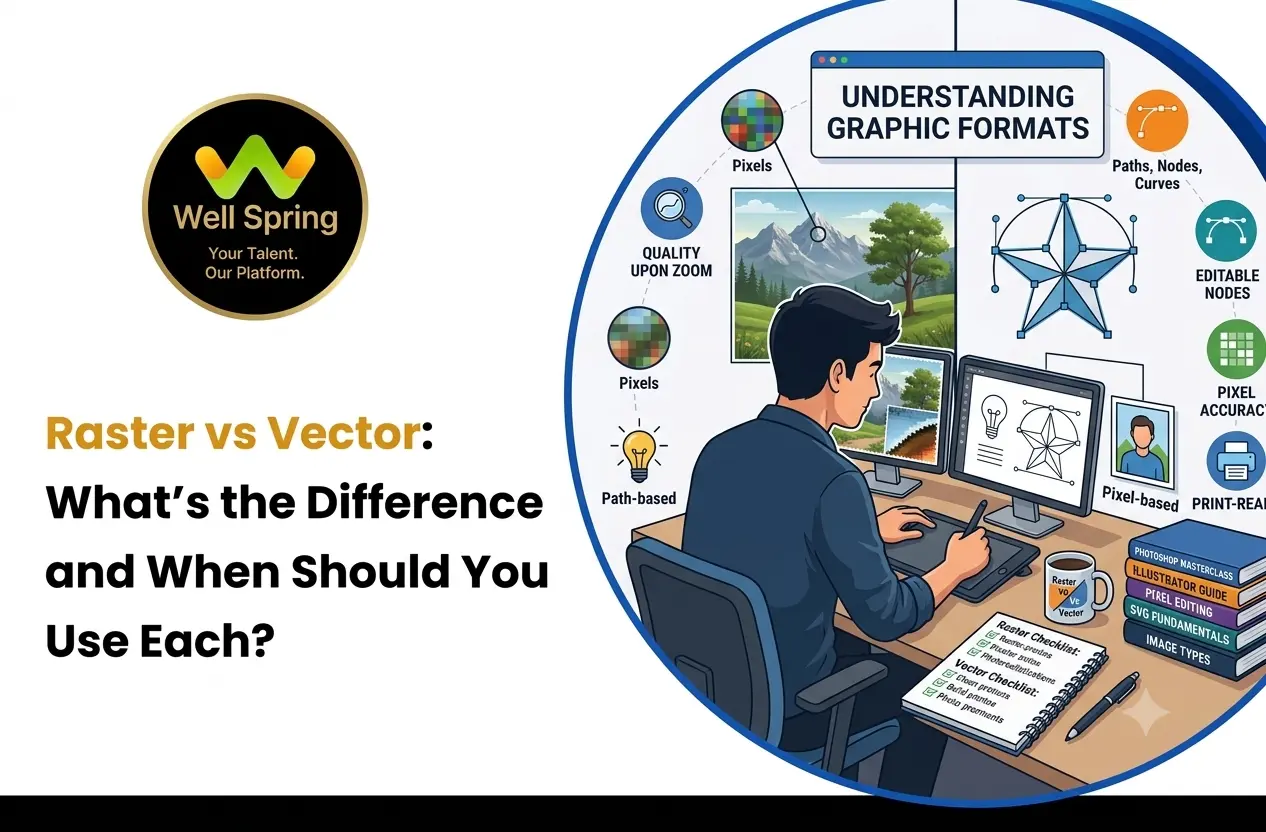

When working with digital graphics, you may come across terms such as raster and vector. Both are widely used in graphic design, websites, branding, advertising, and print materials, but they work in very different ways.
Understanding the difference between raster and vector graphics helps you choose the right format for a project, maintain image quality, and avoid common problems when resizing or preparing designs for print.
In this guide, we’ll explain raster vs vector, how each type of graphic works, the main differences between them, and when you should use each one.
What Are Raster Graphics?
Raster graphics are images made up of a grid of tiny coloured squares called pixels. Each pixel contains colour information, and together these pixels create the complete image.
Photographs are a common example of raster graphics because they contain many colours, details, shadows, and textures.
The quality of a raster image depends largely on its resolution. When a raster image is enlarged beyond its original resolution, the individual pixels can become visible, making the image look blurry or pixelated.
Common raster file formats include:
- JPG or JPEG
- PNG
- GIF
- WebP
- TIFF
- BMP
Raster images are commonly used for photographs, detailed digital artwork, website images, social media graphics, and other visuals where colour detail is important.
What Are Vector Graphics?
Vector graphics are created using mathematical paths rather than individual pixels. These paths are defined by points, lines, curves, and shapes.
Because vector graphics are mathematically defined, they can generally be resized without losing their sharpness or clarity.
For example, a vector logo can be made small enough for a website icon or enlarged for a large printed banner while maintaining clean edges.
Common vector file formats include:
- SVG
- AI
- EPS
- CDR
Vector graphics are commonly used for logos, icons, illustrations, diagrams, typography-based artwork, and designs that need to work across different sizes.
Raster vs Vector: What Is the Difference?
The main difference between raster and vector graphics is how the image is constructed.
Raster graphics are made from pixels, while vector graphics are created using mathematical paths and shapes.
Here are some important differences:
| Feature | Raster Graphics | Vector Graphics |
|---|---|---|
| Basic structure | Pixels | Paths and shapes |
| Resolution | Resolution-dependent | Generally resolution-independent |
| Scaling | Can lose quality when enlarged | Can scale without pixelation |
| Best for | Photos and detailed images | Logos, icons, illustrations |
| File examples | JPG, PNG, WebP, TIFF | SVG, AI, EPS, CDR |
| Editing | Pixel-level editing | Shape and path-based editing |
| Large-format printing | May require high resolution | Well suited to scalable artwork |
Choosing between the two depends on the type of design you are creating and where the final graphic will be used.
Raster Image vs Vector Image
The difference between a raster image and a vector image becomes especially noticeable when you resize them.
A high-resolution raster photograph can look excellent at its intended size. However, enlarging it significantly may cause pixelation because the original pixels are being stretched.
A vector image behaves differently. Since the artwork is based on mathematical paths, the shapes can be recalculated at different sizes.
For example, consider a company logo. A raster version may look fine when displayed on a website, but a vector version can be more practical when the same logo needs to appear on business cards, signage, packaging, or large banners.
Raster and Vector Graphics: Key Differences
Although both formats are used to create visual content, they are suited to different purposes.
Image Structure
Raster graphics use individual pixels to represent an image. Vector graphics use paths, curves, points, and shapes.
Scalability
Raster images have a fixed resolution. Increasing their size too much can reduce image quality.
Vector graphics can be scaled to different dimensions while maintaining sharp edges.
Detail and Colour
Raster graphics are particularly useful for photographs and images containing complex textures, gradients, and subtle colour variations.
Vector graphics work well for clean shapes, illustrations, icons, logos, and other structured artwork.
File Size
File size depends on several factors, including image dimensions, complexity, compression, and the format being used. A simple vector graphic can be very small, while a complex vector illustration can also become large.
Similarly, raster file sizes vary depending on resolution, image detail, compression, and format.
Editing
Raster editing focuses on individual pixels and is commonly used for photographs and detailed image manipulation.
Vector editing focuses on individual objects, paths, shapes, and curves, making it easier to modify structured artwork.
Vector Graphics vs Bitmap
Bitmap is another term commonly used for raster graphics. A bitmap image stores visual information as a grid of pixels.
This means that vector graphics vs bitmap is essentially a comparison between two different approaches to creating digital graphics.
Bitmap images are useful when a design requires photographic detail or complex pixel-level information.
Vector graphics are more suitable when the artwork needs clean shapes, precise edges, and flexible scaling.
For example, a photograph of a person is normally better represented as a bitmap or raster image, while a simple brand logo is often better created as vector artwork.
When Should You Use Raster or Vector?
The right format depends on the purpose of the design.
Use Raster Graphics When:
- You are working with photographs.
- The image contains detailed textures.
- You need complex colour variations.
- You are editing a photograph.
- The image is primarily intended for digital display at a known size.
- You are creating detailed photo-based artwork.
Use Vector Graphics When:
- You are creating a logo.
- You are designing icons.
- You need artwork at multiple sizes.
- You are creating clean illustrations.
- You need sharp lines and shapes.
- You are preparing artwork that may be used for large-format printing.
In some projects, you may use both formats together. For example, a design could contain a vector logo alongside a raster photograph.
Raster vs Vector for Digital Design
Digital designs can use both raster and vector graphics depending on the content.
Photographs, textures, screenshots, and detailed images are usually handled as raster graphics.
Icons, logos, illustrations, and scalable interface elements can often be created using vector graphics.
For web and digital interfaces, formats such as SVG can be useful for certain icons and graphical elements because they can scale across different screen sizes without the pixelation associated with enlarged raster images.
The choice should always depend on the actual design requirement rather than assuming that one format is suitable for every digital project.
Raster vs Vector for Logos
Logos are commonly created as vector graphics because they may need to appear in many different sizes.
A logo could be displayed as a small website icon, placed on a business card, printed on stationery, or enlarged for signage.
A vector logo makes it easier to maintain clean edges across these different applications.
However, raster versions of logos are still useful for specific digital applications where a fixed image size is required.
Ideally, businesses should keep an editable vector version of their logo and create appropriate raster versions when needed.
Raster vs Vector for Printing
Printing introduces another important consideration.
Raster images used for printing should have sufficient resolution for their intended physical size. A low-resolution image that looks acceptable on a small screen may appear blurry when printed at a larger size.
Vector graphics are particularly useful for logos, text-based artwork, icons, and illustrations because they can be scaled to the required print dimensions without becoming pixelated.
For print projects containing both photographs and vector artwork, it is common to use both types together.
Before sending artwork to print, check the required dimensions, resolution, colour settings, file format, and printer specifications.
For more information about colour modes and preparing designs for digital or print output, you can also explore our guide on RGB and CMYK.
Can You Convert a Raster Image to a Vector?
Yes, raster images can sometimes be converted into vector graphics through a process called vectorization or image tracing.
However, conversion does not always produce a perfect result.
A simple logo with clear shapes and limited colours may be relatively easy to trace.
A detailed photograph is much more difficult to convert into a useful vector graphic because it contains many colours, textures, and complex details.
After automatic tracing, the resulting vector artwork may need manual editing to clean up paths, simplify shapes, and correct unwanted elements.
Common Raster and Vector File Formats
Understanding file formats can help you choose the appropriate version of your artwork.
Common Raster Formats
JPG/JPEG: Commonly used for photographs and compressed images.
PNG: Useful when transparency and lossless image quality are important.
WebP: A modern image format commonly used for web content.
TIFF: Often used when high-quality raster images are required for professional workflows.
Common Vector Formats
SVG: Widely used for scalable graphics on websites and digital interfaces.
AI: An Adobe Illustrator file format used for editable vector artwork.
EPS: A vector format commonly associated with professional design and printing workflows.
CDR: A vector format associated with CorelDRAW.
PDF: Can contain both vector and raster elements depending on how the document was created.
Raster and Vector Graphics in the Same Design
You do not always have to choose one format exclusively.
Many professional designs combine raster and vector graphics.
For example, a promotional design might contain:
- A raster photograph
- A vector logo
- Vector icons
- Text elements
- Raster textures
The important thing is to use each format where it provides the most practical result.
This approach can help maintain image quality while allowing different elements to be edited and scaled appropriately.
Common Mistakes When Choosing Raster or Vector
Enlarging Low-Resolution Raster Images
A small raster image may become pixelated when enlarged significantly. Always consider the final display or print size before selecting an image.
Using Raster Images for Scalable Logos
A low-resolution logo can lose clarity when used on larger materials. Keeping a vector version can make resizing easier.
Assuming Every PDF Is a Vector File
A PDF can contain raster images, vector artwork, text, or a combination of these. The file extension alone does not determine the type of graphics inside it.
Choosing a Format Without Considering the Final Use
A format that works well for a website may not be the most appropriate choice for a large printed design.
Think about where the graphic will be displayed, how large it needs to be, and whether it will need to be edited later.
Raster vs Vector: Which One Should You Choose?
There is no single format that is suitable for every type of graphic.
Choose raster graphics when you need photographic detail, complex textures, or pixel-based image editing.
Choose vector graphics when you need scalable logos, icons, illustrations, or clean shapes that must remain sharp at different sizes.
In many real-world projects, the most effective approach is to use both. A photograph may be raster, while the logo and supporting icons are vector.
Understanding the difference between raster and vector graphics allows you to choose the appropriate format based on the design, output, and intended use.



