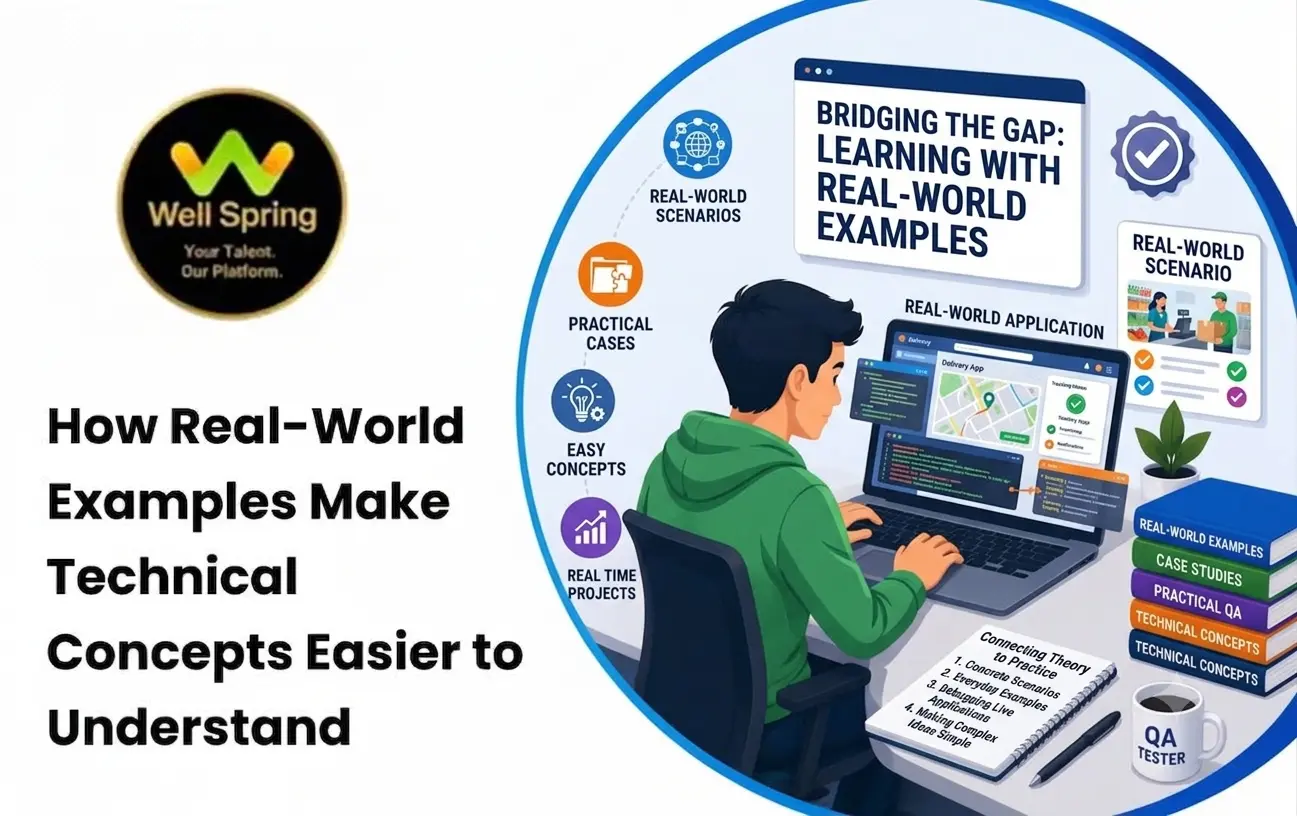

Learning technology can sometimes feel difficult because many technical concepts are introduced through unfamiliar terminology, diagrams, syntax, and theoretical explanations. A learner may understand a definition during a lesson but struggle to remember it or recognize where the concept is actually used.
One effective way to bridge this gap is through real world examples in technical training. Connecting an abstract concept to something familiar can give learners a practical reference point and make the underlying idea easier to understand.
For example, explaining a database using tables of customer orders can be more intuitive than discussing rows, columns, relationships, and queries in isolation. Similarly, explaining an API through a food-ordering application can help beginners understand how different software components communicate.
This article explores how real-world examples support learning technical concepts, why practical context matters, and how students and beginners can use real-world scenarios to understand and retain technical knowledge more effectively.
Quick Answer
Real-world examples make technical concepts easier to understand by connecting abstract ideas with familiar situations and practical outcomes. In IT training, examples such as online shopping, banking, social media, websites, and mobile applications can help beginners understand how programming, databases, APIs, testing, cybersecurity, and other concepts work in practice.
Why Are Technical Concepts Difficult for Beginners?
Technical subjects often introduce concepts that are invisible or unfamiliar.
A beginner may encounter terms such as:
- API
- Database normalization
- Object-oriented programming
- Algorithms
- Cloud computing
- Version control
- Authentication
- Regression testing
- Responsive design
Knowing the definition of a term does not necessarily mean understanding it.
Consider the statement:
“An API enables communication between software systems.”
This is technically correct, but a beginner may still wonder:
“What does that actually look like?”
Now consider a familiar scenario.
You open a food delivery application, select a restaurant, place an order, and receive an estimated delivery time.
Several software systems need to communicate:
Mobile App → API → Restaurant System → Payment Service → Order Database
The same technical definition now has a practical context.
The concept becomes easier to visualize because the learner already understands the real-world activity.
What Are Real-World Examples in Technical Training?
Real world examples in technical training are practical situations used to explain how a technical concept operates outside a purely theoretical exercise.
A good example connects:
Concept → Situation → Technical Process → Outcome
For instance:
Concept
Database relationships.
Situation
An e-commerce website stores customers and their orders.
Technical Process
A customer record can be associated with multiple order records using database relationships.
Outcome
The application can retrieve a customer's order history without unnecessarily duplicating all customer information in every order record.
The example does not replace the technical explanation.
It gives the technical explanation a context.
How Real-World Examples Improve Learning
1. They Give Abstract Ideas a Context
Technical concepts can be difficult when they have no reference point.
Consider an API.
A beginner may memorize:
“API stands for Application Programming Interface.”
But that does not explain how an API functions.
Using a familiar application can create a mental model:
User action → Request → API → Server processing → Response → User interface
The learner can then connect the terminology to an actual process.
2. They Help Learners Understand Why a Concept Exists
Technical education becomes more meaningful when learners understand the problem a concept solves.
For example:
Instead of teaching database indexing only as:
“An index improves query performance.”
Explain the problem first.
Imagine a customer database containing a very large number of records.
If the system repeatedly needs to find customers by email address, an appropriately designed index can help the database locate matching records more efficiently.
Now the learner understands:
Problem → Solution → Technical mechanism
That is more useful than memorizing a definition.
3. They Improve Recall
A technical term connected to a meaningful scenario can be easier to recall later.
For example:
- Authentication: Logging into an online banking application.
- Authorization: Determining whether that logged-in user can access a particular account function.
- API: The communication layer through which application components exchange data.
The learner now has a practical reference for each concept.
4. They Reveal Relationships Between Concepts
Technology concepts rarely operate independently.
Consider an online shopping application.
A single checkout process may involve:
Frontend → API → Authentication → Backend Logic → Database → Payment Service → Response
A learner can see how multiple concepts fit into one system.
This helps move learning from isolated definitions toward system-level understanding.
Real-World Examples in IT Training
Different technical subjects can use different practical contexts.
Programming
Instead of learning loops only through:
for i = 1 to 10
use a realistic scenario.
For example:
A shopping application needs to display every item in a customer's cart.
The learner can then understand why iteration is required.
Databases
Use scenarios such as:
- Customer management
- Employee records
- Product catalogues
- Hospital appointments
- Course registrations
For example:
Students → Courses → Enrollments
This can make database relationships easier to visualize.
Web Development
A website can be used to explain:
- HTML
- CSS
- JavaScript
- Forms
- APIs
- Authentication
- Responsive design
Instead of studying each concept separately, learners can see how they combine to create a functional website.
Software Testing
Consider an online registration system.
A tester might verify:
- Valid registration
- Missing fields
- Duplicate email
- Invalid password
- Incorrect input
- Error messages
The learner understands test cases more easily because there is a recognizable application scenario behind them.
Cybersecurity
Cybersecurity concepts can be connected to everyday situations.
For example:
Authentication can be explained through logging into an account.
Authorization can be explained through different access levels for employees.
Encryption can be introduced through protecting sensitive information during transmission.
This gives beginners a conceptual foundation before introducing more technical terminology.
Cloud Computing
A cloud example could involve an online application that needs additional computing resources during periods of high traffic.
Instead of starting with abstract infrastructure terminology, explain the business problem first:
“What happens when thousands of users access the application at the same time?”
The discussion can then move toward:
- Servers
- Scaling
- Storage
- Networking
- Load balancing
- Cloud infrastructure
The example creates the reason for learning the technology.
Practical Examples in IT for Beginners
The best examples for beginners usually start with situations they already understand.
Example 1: Online Shopping
An e-commerce application can demonstrate:
- Frontend development
- Backend development
- APIs
- Databases
- Authentication
- Payment processing
- Testing
A single familiar scenario can therefore introduce multiple technical concepts.
Example 2: Food Delivery
A food delivery application can demonstrate:
- User accounts
- Restaurant listings
- Search
- Location services
- APIs
- Orders
- Payments
- Notifications
- Databases
The learner can follow the journey of a single order through multiple systems.
Example 3: College Management System
A college application can demonstrate:
- Student records
- Faculty records
- Course management
- Attendance
- Fees
- Authentication
- Role-based access
This is especially useful for students because the underlying scenario is familiar.
Example 4: Social Media Platform
A social media application can explain:
- User authentication
- Profiles
- Posts
- Comments
- Likes
- Notifications
- File storage
- APIs
- Databases
Instead of studying these features as unrelated topics, learners can see them as components of one system.
How Different IT Fields Can Use Real-World Examples
Full Stack Development
A learner building an appointment system can understand:
Frontend → Backend → API → Database
The project becomes a practical demonstration of how application layers communicate.
Digital Marketing
Instead of learning analytics metrics only through definitions, learners can analyse a fictional campaign.
For example:
A business receives many website visits but few enquiries.
The learner can investigate:
- Traffic sources
- Landing pages
- Conversion rate
- User behaviour
- Campaign targeting
- Call-to-action performance
The concepts become connected to a business problem.
Graphic Design
Instead of explaining visual hierarchy only theoretically, give the learner a practical brief:
Create a promotional poster for a student workshop.
Now the learner needs to decide:
- What viewers should notice first
- Which information is secondary
- How the event details should be structured
- Which visual elements support the message
The example turns a design principle into a decision-making exercise.
UI/UX Design
A food delivery checkout flow can be used to explore:
- Navigation
- User flow
- Information hierarchy
- Forms
- Error handling
- Accessibility
- Responsive design
The learner can evaluate the interface from the user's perspective.
Software Testing
A banking application can provide examples for:
- Functional testing
- Boundary testing
- Authentication testing
- Security-related checks
- Regression testing
- Error handling
The learner can understand not only what a testing technique is, but why it matters.
From Example to Independent Problem-Solving
Real-world examples are most useful when learners eventually move beyond the example.
A common learning progression is:
See → Understand → Modify → Build → Solve
See
Observe a complete example.
Understand
Identify how each part works.
Modify
Change part of the example.
For example:
Change the application from storing three products to allowing users to add any number of products.
Build
Create a similar solution independently.
Solve
Apply the same concept to a new problem.
For example:
Instead of a shopping cart, use the same programming concept to build an employee task list.
This final step is important because it demonstrates transfer of knowledge.
How Trainers Can Use Real-World Examples Effectively
Examples should support learning rather than become stories that distract from the concept.
Start With a Familiar Problem
Introduce something the learner understands.
For example:
“How does an online store remember what you added to your cart?”
Then introduce the technical concept.
Explain the Concept
Once the learner understands the problem, introduce the relevant technical mechanism.
For example:
“The application needs a way to store and retrieve cart information.”
This can lead naturally into state management, databases, sessions, or other appropriate concepts depending on the context.
Show the Technical Implementation
Move from:
Problem → Concept → Implementation
For programming, this may involve code.
For design, it may involve a visual layout.
For testing, it may involve test cases.
For databases, it may involve schemas and queries.
Change the Scenario
After explaining one example, give learners a different problem.
This tests whether they understood the concept rather than simply memorizing the example.
How Students Can Learn Technical Concepts Through Examples
Learners can make examples more effective by actively questioning them.
When studying a practical example, ask:
What Problem Is Being Solved?
Identify the reason the technology is needed.
What Is Happening Behind the Scenes?
Break the process into individual components.
What Happens If Something Fails?
Consider errors and unexpected situations.
Can I Change Something?
Modify the example.
Can I Build It Without Looking?
Try recreating the solution independently.
Can I Apply the Same Idea Elsewhere?
Use the concept in a different scenario.
This converts passive learning into active learning.
A Simple Framework for Learning Technical Concepts
Use the C-A-P-E method:
C — Concept
What does the technical idea mean?
A — Application
Where is it used?
P — Process
How does it work?
E — Experiment
Can you modify or apply it yourself?
For example:
Concept: API
Application: Food delivery application
Process: Client sends request → server processes it → response returns
Experiment: Build a simple API endpoint and change the returned data
This provides a repeatable method for understanding unfamiliar technical topics.
When Examples Should Not Replace Fundamentals
Real-world examples are powerful, but they should not become a substitute for foundational knowledge.
A learner still needs to understand:
- Terminology
- Rules
- Syntax
- Architecture
- Constraints
- Underlying principles
For example, knowing that an API is used by a food delivery application is helpful.
But a developer eventually needs to understand:
- HTTP methods
- Request structure
- Response structure
- Status codes
- Authentication
- Validation
- Error handling
The example creates the context; technical fundamentals provide the depth.
Common Mistakes When Using Examples
1. Using Examples That Are Too Complex
A beginner does not need to understand an entire banking platform to learn one programming concept.
Start small.
2. Explaining the Example Without the Concept
An interesting story is not enough.
Always connect the example back to the technical principle.
3. Using Only One Example
If a learner can understand a concept only in one context, they may have memorized the scenario rather than learned the underlying idea.
Use a second scenario to test transfer.
4. Giving the Solution Too Quickly
Allow learners to predict what should happen before revealing the answer.
This creates active participation.
5. Ignoring Technical Accuracy
Examples should simplify a concept without creating a technically incorrect mental model.
Simplification should remove unnecessary complexity, not change the underlying principle.
From Learning to Practical Application
The ultimate purpose of real world examples in IT training is not simply to make classes more interesting.
It is to help learners progress from:
“I know what this term means.”
to:
“I understand why it is used.”
and eventually:
“I can use it to solve a new problem.”
That final transition is particularly important for technical education.
A learner who understands the underlying principle can adapt when the technology, project, or requirements change.
Key Takeaways
- Real world examples in technical training connect abstract concepts with familiar situations.
- Practical context can help beginners understand why a technology exists and what problem it solves.
- Real world examples in IT training can be applied to programming, databases, web development, testing, cybersecurity, cloud computing, design, and digital marketing.
- Examples are most effective when learners move from observing to modifying, building, and solving independently.
- A useful learning sequence is Concept → Application → Process → Experiment.
- Examples should simplify complex subjects without sacrificing technical accuracy.
- One familiar scenario can help learners understand how multiple IT concepts work together.
- Practical examples should complement foundational theory rather than replace it.
- The goal of example-based learning is knowledge transfer: applying a concept to a new problem rather than memorizing one scenario.
Conclusion
Technical concepts can seem difficult when they are presented only as definitions, syntax, or theory. Real world technical examples give those concepts a context by showing the problems they solve and how different technologies work together.
For beginners, the most effective approach is not to choose between theory and practice. Learn the concept, connect it to a familiar situation, examine how it works, and then try applying it to a new problem.
That progression—from understanding to application—can make technical learning more meaningful and help learners develop knowledge they can actually use.