
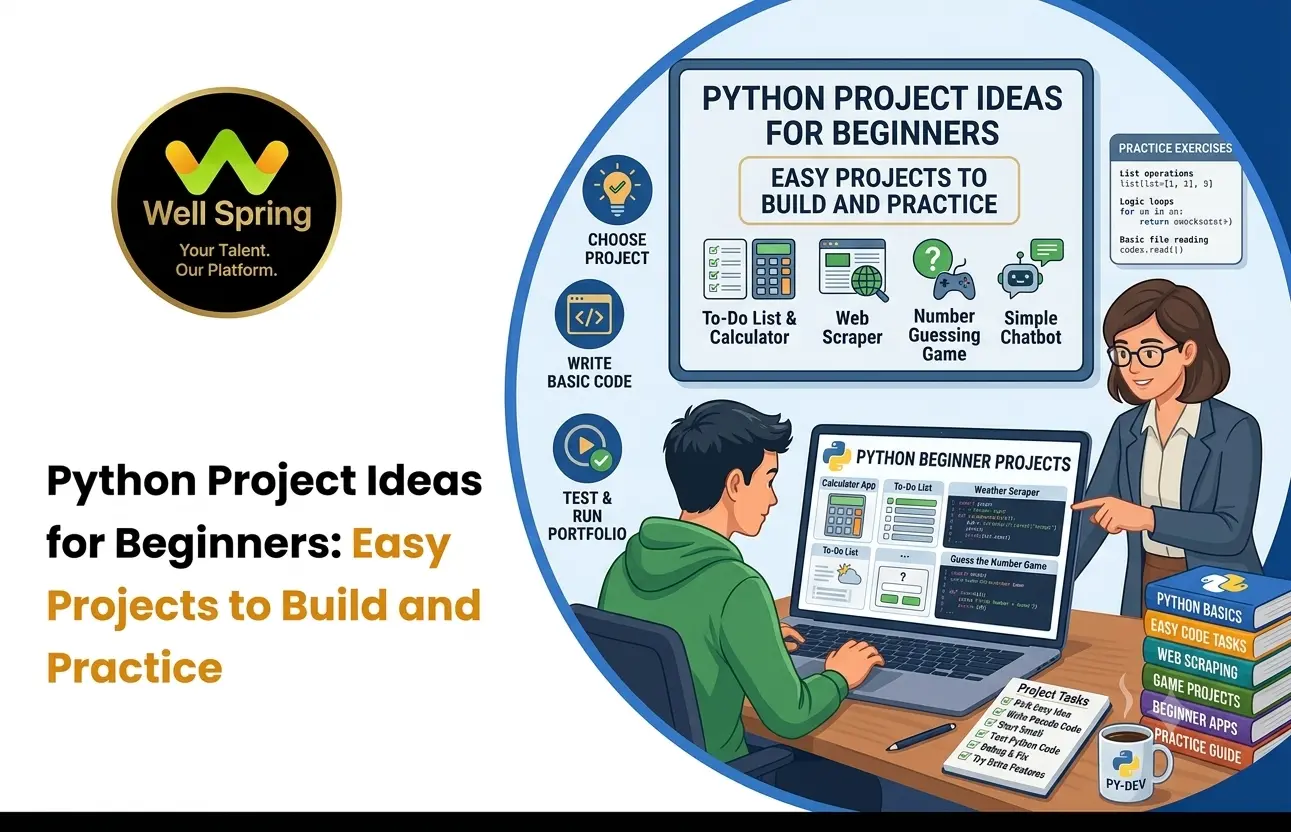

Introduction
Learning Python becomes much more meaningful when you start writing programs instead of only watching tutorials or reading about programming concepts.
For beginners, however, deciding what to build can be difficult. A project that is too advanced can become frustrating, while a project that is too simple may not provide enough practice. The best approach is to start with manageable programs and gradually introduce new concepts.
This guide covers practical Python projects for beginners that can help you practise variables, conditions, loops, functions, lists, dictionaries, file handling, APIs, and other programming fundamentals.
You do not need to build every project. Choose one that matches your current skill level, complete it independently, and then improve it with additional features.
Quick Answer
The best Python projects for beginners include calculators, number guessing games, quiz applications, to-do lists, expense trackers, contact managers, password generators, file organisers, and simple API-based applications. Start with a small project, understand every part of the code, and gradually add features as your skills improve.
Why Should Beginners Build Python Projects?
Learning programming concepts individually is useful, but projects show you how those concepts work together.
For example, you may learn:
- Variables.
- Conditions.
- Loops.
- Functions.
- Lists.
- Dictionaries.
A project gives you a reason to use them together.
Suppose you build a simple quiz application.
You may need variables to store scores, lists to store questions, conditions to check answers, loops to move through questions, and functions to organise different parts of the program.
This creates a deeper understanding than learning each concept separately.
Projects Help You Practise Problem-Solving
Programming is not only about remembering syntax.
You need to decide how to approach a problem, break it into smaller steps, test your solution, identify errors, and improve the program.
Projects Make Learning More Active
Instead of asking, “Do I understand this Python concept?”, you can ask:
“Can I use this concept to build something?”
That makes your progress easier to see.
Projects Create Evidence of Learning
Completed projects can also become part of a student's portfolio, especially when the student can explain how the project works and what they learned while building it.
How to Choose a Python Practice Project
Before selecting from different python project ideas, consider your current knowledge.
Start With What You Know
If you have only learned variables, conditions, and loops, start with a small command-line application.
If you already understand functions, lists, dictionaries, and file handling, choose a slightly more structured project.
Choose a Project With a Clear Goal
A project should solve a simple problem.
For example:
“I want to build a program that calculates a student's average marks.”
is more useful than:
“I want to build something using Python.”
Add One New Challenge
Your project should not be completely unfamiliar.
A good beginner project can combine concepts you already know with one new concept.
For example:
Known: Functions + lists
New: File handling
This allows you to learn without becoming overwhelmed.
Make It Bigger After the First Version Works
First create the basic version.
Then add features.
This approach is often better than trying to build the complete application immediately.
Python Projects for Beginners by Difficulty
- Level
- Project
- Main Concepts
- Very Easy
- Calculator
- Variables, conditions, functions
- Very Easy
- Unit Converter
- Arithmetic, input, conditions
- Easy
- Number Guessing Game
- Loops, conditions, random numbers
- Easy
- Rock Paper Scissors
- Conditions, loops, random numbers
- Easy
- Quiz Application
- Lists, dictionaries, functions
- Easy
- To-Do List
- Lists, functions, loops
- Beginner+
- Password Generator
- Strings, randomisation, functions
- Beginner+
- Contact Manager
- Dictionaries, lists, file handling
- Beginner+
- Expense Tracker
- Data structures, files, calculations
- Intermediate Beginner
- File Organizer
- File handling, directories
- Intermediate Beginner
- Weather App
- APIs, JSON, error handling
- Intermediate Beginner
- Student Management System
- CRUD, files or databases
The levels are approximate. Your experience with Python will determine which project feels easy or challenging.
1. Simple Calculator
A calculator is one of the easiest projects to start with.
The program can ask the user for two numbers and an operation.
For example:
Enter first number: 20
Enter second number: 5
Choose operation: /
Result: 4
What You Can Practise
This project introduces:
- Variables.
- User input.
- Arithmetic operators.
- Conditions.
- Functions.
- Basic error handling.
How to Improve It
Once the basic version works, add:
- More operations.
- Multiple calculations.
- Input validation.
- Calculation history.
- A menu system.
The upgraded version becomes a useful exercise in program structure.
2. Number Guessing Game
In this project, the computer generates a random number and the user attempts to guess it.
The program can tell the player whether the guess is:
- Too high
- Too low
- Correct
Python Concepts
You can practise:
- Random number generation.
- Loops.
- Conditions.
- User input.
- Counters.
- Functions.
Make It More Interesting
Add:
- Limited attempts.
- Easy and difficult modes.
- A scoring system.
- Replay functionality.
- Best-score tracking.
This is a good example of how a simple program can gradually become more challenging.
3. Rock Paper Scissors
Rock Paper Scissors is another simple project that introduces decision-making logic.
The player selects:
- Rock
- Paper
- Scissors
The computer makes a random selection, and the program determines the winner.
What You Learn
This project can help you practise:
- Conditions.
- Randomisation.
- Loops.
- User input.
- Functions.
Possible Improvements
You could add:
- Multiple rounds.
- Score tracking.
- Difficulty settings.
- A replay option.
- A match summary.
It is particularly useful for understanding how multiple conditions interact.
4. Quiz Application
A quiz application is one of the most useful python practice projects for beginners.
You can create a program that displays questions and allows users to select answers.
For example:
Which language is being used?
- Python
- HTML
- CSS
- SQL
The program can calculate the final score.
Concepts You Practise
- Lists.
- Dictionaries.
- Functions.
- Loops.
- Conditions.
- Input validation.
Take It Further
Add:
- Different categories.
- Difficulty levels.
- Random questions.
- Score history.
- Timed questions.
You can also store questions in a separate file instead of placing everything directly inside the Python program.
5. To-Do List
A to-do list is a practical beginner project because the problem is easy to understand.
A basic application can allow users to:
- Add tasks.
- View tasks.
- Complete tasks.
- Delete tasks.
Concepts You Practise
You can work with:
- Lists.
- Functions.
- Loops.
- Conditions.
- User input.
Next Step
Save the tasks to a file so they remain available after the program closes.
You can later add:
- Task priorities.
- Due dates.
- Categories.
- Search.
- Completed and pending filters.
This transforms a simple exercise into a small productivity application.
6. Unit Converter
A unit converter is one of the easy Python projects that can help beginners practise calculations and functions.
You could create conversions such as:
- Kilometres to miles.
- Celsius to Fahrenheit.
- Kilograms to pounds.
- Metres to feet.
Concepts You Practise
- Variables.
- Arithmetic.
- Functions.
- Conditions.
- User input.
How to Improve It
Create a menu where users can choose the conversion they want.
You can also add input validation so that the program handles invalid values properly.
7. Password Generator
A password generator introduces beginners to strings and randomisation.
The user can specify a desired password length, and the program generates a random password using selected character types.
You Can Practise
- Strings.
- Randomisation.
- Functions.
- Lists.
- User input.
Add More Features
Allow the user to choose whether the password should contain:
- Uppercase letters.
- Lowercase letters.
- Numbers.
- Special characters.
This project is useful for understanding how a program can generate different outputs from defined rules.
8. Contact Management System
A contact management system introduces structured data.
Each contact might contain:
- Name
- Phone number
- Address
The application could allow users to:
- Add contacts.
- View contacts.
- Search contacts.
- Edit contacts.
- Delete contacts.
Python Concepts
This project provides practice with:
- Dictionaries.
- Lists.
- Functions.
- Search logic.
- Validation.
- File handling.
Upgrade the Project
Store contact information in a file so that it persists after the program closes.
Later, you could introduce a database.
This makes the project a useful bridge between beginner programming and application development.
9. Expense Tracker
An expense tracker gives beginners a more realistic data-management problem.
A user could record:
- Expense name.
- Amount.
- Category.
- Date.
The program can calculate:
- Total spending.
- Spending by category.
- Number of transactions.
- Highest expense.
Concepts You Practise
This project combines:
- Lists.
- Dictionaries.
- Functions.
- Calculations.
- File handling.
- Input validation.
Possible Improvements
You could add:
- Monthly summaries.
- Category reports.
- Search.
- Date filtering.
- CSV export.
- Simple charts.
The project becomes increasingly useful as more data-processing features are introduced.
10. File Organizer
A file organizer is a good project for students who want to see how Python can automate repetitive tasks.
Imagine a folder containing:
- photo.jpg
- report.pdf
- notes.docx
- song.mp3
- image.png
A Python program could identify file extensions and organise them into folders such as:
- Images/
- Documents/
- Audio/
What You Practise
- File handling.
- Directory management.
- Loops.
- Conditions.
- Modules.
- Error handling.
This project introduces an important programming idea:
Use software to automate a task that would otherwise require repetitive manual work.
11. Simple Weather Application
Once you understand Python fundamentals, you can move toward projects that communicate with external services.
A weather application can allow a user to enter a location and retrieve information through a suitable weather API.
The program might display:
- Temperature.
- Weather condition.
- Humidity.
- Wind information.
Concepts You Practise
This project introduces:
- APIs.
- HTTP requests.
- JSON.
- Functions.
- Error handling.
- External data.
You will also learn that real applications need to handle situations where data is missing, incorrect, or unavailable.
12. Student Management System
A student management system can be a useful step toward larger applications.
The program could manage:
- Student names.
- Student IDs.
- Courses.
- Marks.
- Attendance.
Users could:
- Add students.
- View student records.
- Search students.
- Update information.
- Delete records.
Concepts You Practise
This project introduces:
- Functions.
- Dictionaries.
- Lists.
- CRUD operations.
- Validation.
- File handling.
- Database concepts.
Once the basic version works, you can replace file storage with a database.
That creates a natural progression toward more advanced Python development.
How to Improve Your Python Projects
Completing the first version of a project is only the beginning.
The next step is to improve it.
Add Input Validation
What happens if the user enters text where a number is expected?
Your program should handle the situation appropriately rather than crashing unnecessarily.
Add Error Handling
Consider what could go wrong and write appropriate handling for expected errors.
Improve the User Interface
Even command-line programs can have clear menus, instructions, messages, and organised output.
Organise Your Code
As projects become larger, divide functionality into functions and appropriate modules.
Add Persistent Data
If the application loses all information when it closes, consider whether storing data in a file or database would improve the project.
Add Tests
Test different inputs rather than checking only the example that you initially used.
Write Documentation
Explain:
- What the project does.
- How to run it.
- What technologies or libraries are used.
- What features are included.
- What you learned.
- What could be improved.
Documentation makes the project easier for others to understand.
How Students Can Use Projects for Learning
For students learning Python, the purpose of a project should not simply be to finish it.
The project should help answer:
“What can I do now that I could not do before?”
After completing a project, review it.
Ask yourself:
- Which Python concepts did I use?
- Which part was difficult?
- What errors did I encounter?
- How did I solve them?
- What would I change?
- What new concept should I learn next?
For example, after completing a basic to-do list, you might realise that you need to learn file handling.
After building a file-based application, you might realise that a database would be more suitable.
This creates a natural learning progression:
Project → Discover Gap → Learn → Improve Project → Build Next Project
That cycle can make programming practice more purposeful.
How Beginners Can Build a Strong Python Portfolio
Not every small exercise needs to become a portfolio project.
If you are preparing for future academic or career opportunities, select projects that demonstrate different abilities.
A beginner portfolio could contain:
- Project 1: Quiz Application
- Project 2: Expense Tracker
- Project 3: File Organizer
- Project 4: Weather Application
- Project 5: Student Management System
Project 1: Quiz Application
Demonstrates programming fundamentals and data structures.
Project 2: Expense Tracker
Demonstrates data management and file handling.
Project 3: File Organizer
Demonstrates automation.
Project 4: Weather Application
Demonstrates API integration.
Project 5: Student Management System
Demonstrates structured application development.
For every project, document:
Problem → Approach → Features → Technologies → Challenges → Solution → Learning → Future Improvements
This is much more useful than simply listing project names.
Common Mistakes Beginners Should Avoid
Choosing a Project That Is Too Difficult
If you have only recently learned Python basics, starting with a complex AI or full-scale web application can make learning unnecessarily difficult.
Start small and increase complexity.
Copying Projects Without Understanding Them
Tutorials are useful, but copying code line by line without understanding it limits learning.
After following an example, change something.
- Add a feature.
- Rewrite a function.
- Try a different approach.
Building Too Many Projects at Once
Starting ten projects and finishing none does not provide the same learning value as completing three projects properly.
Focus on completion.
Focusing Only on the Final Result
A project is a learning tool.
The errors, debugging process, failed attempts, and improvements are all part of the experience.
Ignoring Code Quality
A program that works is a good start.
A program that is organised, readable, maintainable, and properly tested is a stronger learning outcome.
Not Increasing Difficulty
If every project uses exactly the same concepts, your skills may not grow significantly.
Each new project should ideally introduce at least one new challenge.
A Simple Python Project Roadmap
Beginners can follow a gradual progression.
Stage 1: Learn the Fundamentals
Focus on:
- Variables.
- Data types.
- Conditions.
- Loops.
- Functions.
Build:
Calculator → Unit Converter → Number Guessing Game
Stage 2: Work With Data
Learn:
- Lists.
- Dictionaries.
- Strings.
- Data validation.
Build:
Quiz → To-Do List → Contact Manager
Stage 3: Work With Files
Learn:
- Reading files.
- Writing files.
- File organisation.
- Error handling.
Build:
Expense Tracker → File Organizer → Student Record System
Stage 4: Work With External Data
Learn:
- APIs.
- JSON.
- HTTP requests.
Build:
Weather Application → Public Data Application
Stage 5: Build Larger Applications
Learn:
Build:
Student Management System → Inventory Application → Appointment System
This roadmap gives beginners a clear progression without requiring them to learn everything at once.
Key Takeaways
The best Python project for a beginner is one that can be completed, understood, and improved.
- Start with simple projects that reinforce the Python fundamentals you already know.
- Choose projects that introduce new concepts gradually.
- Use projects to practise problem-solving rather than simply writing code.
- Add features only after the basic version works correctly.
- Learn from errors, debugging, and failed approaches.
- Move progressively from command-line programs to file-based, API-based, and database-driven applications.
- Students can turn selected projects into portfolio pieces by documenting their development process.
- Avoid copying complete projects without understanding how they work.
- Completing a few meaningful python practice projects is more valuable than starting many unfinished projects.
- Every project should ideally leave you with a new skill that you can apply to the next project.
Conclusion
Building projects is one of the most effective ways to turn Python concepts into practical programming ability. Beginners do not need to start with complicated applications. A calculator, quiz, number guessing game, or to-do list can provide valuable practice when you understand the code and build it yourself.
As your confidence grows, move toward file handling, automation, APIs, databases, and larger applications. Each project can introduce a new challenge while strengthening the concepts you have already learned.
For students learning Python, Well Spring Talent Solutions emphasizes the value of combining programming concepts with practical project work. Building projects helps learners move beyond syntax and understand how Python can be used to solve real problems, while also giving them work they can demonstrate in a portfolio.
That is how simple Python projects can gradually become practical programming experience.



