

Introduction
Connecting an application to an external service can seem straightforward until you open its documentation and encounter unfamiliar terms such as endpoints, headers, authentication tokens, request bodies, schemas, and status codes. Even a simple task, such as retrieving product information or submitting a form, can become confusing when you are unsure which endpoint to use or what information the server expects.
Learning how to read API documentation helps you solve this problem systematically. Documentation explains how a service works, which operations it supports, what information you must provide, and what results you can expect. It also helps you identify restrictions and troubleshoot problems without relying entirely on tutorials or trial and error.
For beginner developers, the most useful approach is to treat documentation as a practical instruction manual. Start with one goal, locate the relevant endpoint, understand its requirements, test a request, and then integrate the working request into your application.
Quick Answer: How Do You Read API Documentation?
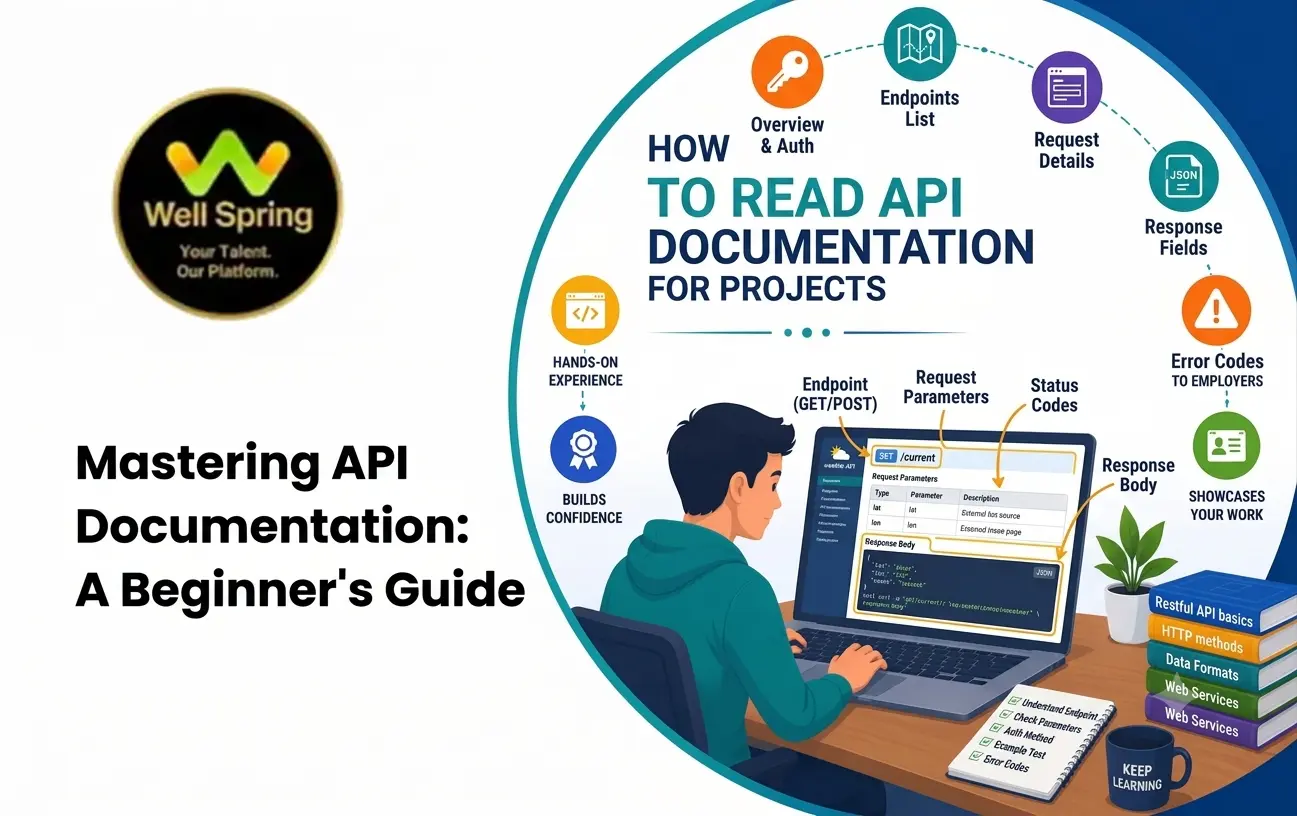
To read API documentation effectively, identify the task you want to perform, find the relevant endpoint, check its HTTP method, review authentication requirements, understand parameters and request formats, examine example responses, and test the request. Finally, study error codes and limitations before integrating the API into your application.
1. What Is API Documentation?
API documentation explains how developers can communicate with a software service through its application programming interface.
It describes the available operations, the information required for each request, the expected responses, and the rules that developers must follow.
For example, an online learning platform might provide API documentation explaining how to:
- Retrieve a list of courses.
- View details of a particular course.
- Register a student.
- Update a learner's profile.
- Retrieve course progress.
The documentation might include endpoint URLs, HTTP methods, authentication instructions, parameter descriptions, JSON examples, response codes, and usage limits.
A useful distinction is that documentation often contains two related forms of information.
API guides explain concepts and workflows, such as how to authenticate or complete a common task.
API references provide precise technical details for individual endpoints, parameters, schemas, and responses.
Beginners benefit from both: guides provide context, while reference pages help answer specific implementation questions.
2. Why Should Beginners Learn to Read It?
Reading documentation is a practical development skill because software integrations rarely work by guessing the correct request format.
It Reduces Unnecessary Trial and Error
When documentation specifies required fields and accepted values, developers can construct valid requests instead of repeatedly trying random combinations.
It Helps You Choose the Correct Operation
An API may expose dozens of endpoints. Understanding the reference helps you identify which one matches your requirement.
It Improves Debugging
Documentation can explain why a request returns an authentication error, rejects a parameter, or produces an unexpected response.
It Supports Independent Learning
Developers who can interpret documentation are better equipped to use unfamiliar services without waiting for a tutorial covering their exact problem.
It Prevents Integration Mistakes
Requirements involving permissions, pagination, request limits, and data formats can affect how an API should be implemented.
The objective is not to memorise every page. It is to find the information that matters for the task you are working on.
3. Start With the Right Documentation Page
Before studying technical details, understand how the documentation is organised.
Many API providers divide their documentation into sections such as the following.
| Documentation Section | What You Can Learn |
|---|---|
| Getting Started | How to create an account or make your first request |
| Authentication | How to prove that a request is authorised |
| API Reference | Available endpoints, methods, parameters, and responses |
| Tutorials or Guides | How to complete common integration tasks |
| Errors | What error codes mean and how to resolve them |
| Rate Limits | How frequently requests can be made |
| Changelog | What has changed between API versions |
| SDKs and Examples | How to use the API with a particular language or framework |
A beginner should normally start with the getting-started guide and then move to the reference page for the required operation.
For instance, if your goal is to retrieve course information, look for the section describing course-listing endpoints rather than reading every available endpoint from beginning to end.
This goal-first approach makes a large documentation website easier to navigate.
4. Understand API Endpoints and HTTP Methods
An endpoint is the address through which an API exposes a particular resource or operation.
Consider this illustrative endpoint:
GET https://api.example.com/v1/coursesEach part has a purpose.
- GET is the HTTP method used to retrieve information.
- https://api.example.com represents the API host.
- /v1 indicates a versioned API path.
- /courses identifies the course collection.
Documentation usually explains the supported method for each endpoint.
| HTTP Method | Common Purpose | Example |
|---|---|---|
| GET | Retrieve information | List available courses |
| POST | Create a resource or submit an operation | Register a student |
| PUT | Replace a resource representation | Replace a course record |
| PATCH | Partially update a resource | Change a course description |
| DELETE | Request removal of a resource | Delete a saved item |
These are common conventions rather than guarantees about every API implementation. Always follow the endpoint's documented behaviour.
A useful habit is to write down the method and endpoint before examining the request body. This establishes what the operation is intended to do.
5. Learn Authentication Requirements
Many APIs restrict access to authorised applications or users. Documentation explains how to authenticate requests.
Common authentication approaches include API keys, bearer tokens, OAuth-based access, and other provider-specific mechanisms.
For example, an API might require an HTTP header like this:
Authorization: Bearer YOUR_ACCESS_TOKENThis tells you that the request needs a bearer access token.
However, the placeholder is not a working credential. You must obtain the appropriate token using the provider's documented process.
When reading the authentication section, look for these details:
- Whether authentication is required for the endpoint.
- How credentials are obtained.
- Where the credential must be included.
- Which permissions or scopes are needed.
- How long access tokens remain valid.
- How expired or invalid credentials should be handled.
Security note: Never publish private API keys or access tokens in public repositories, screenshots, or frontend code where they should remain secret. Public browser-based applications need an appropriate security design rather than relying on a hidden value inside client-side JavaScript.
Authentication requirements can differ between endpoints in the same API, so do not assume that one credential automatically grants access to every operation.
6. Understand Parameters and Request Bodies
Parameters allow a client to specify which information it needs or provide additional instructions to the server.
Documentation may describe path parameters, query parameters, and request-body fields.
Path Parameters
Path parameters identify a particular resource.
For example:
GET /v1/courses/101Here, 101 represents the course identifier.
The documentation should explain the accepted identifier format and what happens if the resource does not exist.
Query Parameters
Query parameters are added to the URL after a question mark.
GET /v1/courses?category=development&page=1In this example, category and page are query parameters.
They might control filtering, sorting, pagination, or other supported behaviours.
Request Body
A request body carries data sent to an endpoint, commonly when creating or updating a resource.
For example:
{
  "title": "Introduction to Python",
  "category": "Programming"
}
The documentation should specify which fields are required, which are optional, what data types they accept, and whether any validation rules apply.
A parameter table might contain these columns:
| Field | Type | Required? | Purpose |
|---|---|---|---|
| title | String | Yes | Course title |
| category | String | Yes | Course category |
| description | String | No | Additional course information |
This table is illustrative. Always use the actual field names and rules from the API you are integrating.
7. Read Request Headers Correctly
Headers provide additional information about an HTTP request or response.
When studying an API reference, pay particular attention to headers such as:
- Authorization — Carries authentication information when required.
- Content-Type — Indicates the format of the request body, such as JSON.
- Accept — Indicates which response formats the client can accept.
- Idempotency-Key — May be supported by an API to help prevent duplicate processing of certain repeated requests.
For example:
POST /v1/courses
Authorization: Bearer YOUR_ACCESS_TOKEN
Content-Type: application/json
Accept: application/json
This example shows a POST request that includes an authentication token and indicates JSON request and response handling.
Not every API requires every header. Follow the provider's instructions, and do not send sensitive credentials to an untrusted endpoint.
8. Understand Response Examples and Data Types
Once a request is processed, the server returns a response.
Documentation usually includes a successful response example and sometimes additional examples for errors.
Consider this illustrative JSON response:
{
  "id": 101,
  "title": "Introduction to Python",
  "published": true,
  "duration_hours": 12
}
You can interpret the fields as follows:
- id is a numeric identifier.
- title is a string.
- published is a Boolean value.
- duration_hours is a numeric value.
This information matters because your application must handle each field correctly.
For example, a frontend may display title as text and use published to decide whether a course should appear in a particular view.
Look for Nested Objects and Arrays
Some responses contain more complicated structures.
{
  "id": 101,
  "title": "Introduction to Python",
  "instructor": {
    "id": 25,
    "name": "Sample Instructor"
  },
  "tags": ["Programming", "Beginner"]
}
Here, instructor is a nested object and tags is an array.
The application must access these fields according to their structure rather than treating the entire response as a flat collection of values.
Also check whether a field can be missing, null, or empty. These conditions can affect how your application handles the response.
9. Learn HTTP Status Codes and Error Messages
An API response is not always successful.
Status codes help explain the result of a request.
| Status Code | Meaning | What to Investigate |
|---|---|---|
| 200 OK | The request succeeded | Inspect the response data |
| 201 Created | A resource was created | Check the returned resource or identifier |
| 204 No Content | The request succeeded without a response body | Do not expect JSON content |
| 400 Bad Request | The request is invalid | Review the request format and parameters |
| 401 Unauthorized | Authentication is missing or invalid | Check the credential and token validity |
| 403 Forbidden | Access is not permitted | Check permissions or scopes |
| 404 Not Found | The resource or route was not found | Verify the URL and identifier |
| 409 Conflict | The request conflicts with current state | Check duplicates or resource conditions |
| 429 Too Many Requests | A rate limit was exceeded | Review limits and retry guidance |
| 500 Internal Server Error | The server encountered an unexpected problem | Check server status and provider guidance |
An API may return additional information in its response body.
For example, a validation error might identify a missing field or an unacceptable value. Use that information to correct the request rather than repeatedly submitting the same invalid data.
A 500 response does not necessarily mean the client request is wrong, and a 401 response should not be treated as the same problem as a 403 response.
10. Follow a Practical API Documentation Example
Imagine that you are developing a student portal and want to display a list of available courses from an external API.
Use the following workflow to interpret the documentation.
Step 1: Define the Requirement
Your goal is to retrieve a list of courses and display their titles on a page.
This immediately tells you that you should look for a read or list operation.
Step 2: Find the Relevant Endpoint
Suppose the documentation provides this example:
GET /v1/coursesYou have found a possible endpoint for retrieving the course collection.
Step 3: Check Authentication
The documentation states that the endpoint requires a bearer token.
You must obtain a valid token according to the provider's instructions before making the request.
Step 4: Review Query Parameters
Suppose the endpoint supports page and limit.
These fields may control pagination, allowing your application to retrieve a manageable number of courses at a time.
Check the documented defaults and maximum values instead of assuming them.
Step 5: Examine the Response
Suppose the documentation returns:
{
  "data": [
    {
      "id": 101,
      "title": "Web Development"
    },
    {
      "id": 102,
      "title": "Python Programming"
    }
  ],
  "page": 1
}
The data field contains an array of course objects.
Your application can iterate through that array and display each title.
Step 6: Test the Request
Use an API client or command-line tool to submit the documented request.
Verify the response status, data structure, and any pagination information.
Step 7: Handle Failure Cases
Test what happens when the token is missing, a parameter is invalid, or the API is temporarily unavailable.
Your frontend should handle those conditions gracefully rather than displaying a blank page or crashing.
This example demonstrates a reusable method: identify the task, find the endpoint, satisfy its requirements, inspect the response, and test likely failure conditions.
11. How to Test an API Before Coding
Testing the API separately from your application can save time because it helps identify whether a problem belongs to the request or to your code.
Useful tools include Postman, Insomnia, and command-line utilities such as curl.
For example, a simple public test endpoint might be queried using:
curl -i https://jsonplaceholder.typicode.com/posts/1This requests a sample post from a public testing service.
The -i option displays the response headers along with the body, helping you inspect the HTTP status and content type.
Before using any API testing tool, check whether the service requires authentication, has usage restrictions, or contains sensitive information.
When testing, verify the following:
- The correct endpoint and method are used.
- Required headers are present.
- Parameters match the documented types.
- The response status is appropriate.
- The response body matches the expected structure.
- Invalid requests produce understandable errors.
- Authentication and access permissions behave correctly.
Once the request works independently, you can integrate it into your frontend or backend code.
12. Common Mistakes Beginners Make
Reading Everything Before Choosing a Task
Large documentation websites can be overwhelming. Start with the operation you need and expand your reading when the task requires it.
Guessing Endpoint URLs
Similar-looking paths can behave differently. Use the documented endpoint instead of inventing a URL.
Ignoring Required Fields
A request can fail when required fields are missing or use the wrong data types.
Confusing Authentication With Permissions
A valid token does not necessarily grant access to every resource. Check both authentication and authorisation requirements.
Assuming Every Successful Response Contains JSON
Some successful operations return no body, while others return a different format. Read the response specification.
Copying Examples Without Understanding Them
Example requests are starting points, not universal templates. Replace placeholders correctly and adapt the request to your actual requirements.
Ignoring Rate Limits
Excessive requests can trigger throttling or temporary restrictions. Review the documented limits and retry guidance.
Exposing Credentials
Never paste private tokens into public source code or share them in public screenshots.
Skipping Error Testing
Testing only successful requests leaves important behaviours unexamined. Validate how your application handles failures and unexpected responses.
13. How to Read REST API Documentation Efficiently
A practical API documentation guide should help you locate the relevant information quickly.
Use this order whenever you approach an unfamiliar REST API.
- First, identify the required outcome. Decide whether you need to retrieve, create, update, or delete information.
- Second, locate the endpoint. Find the relevant resource or operation in the API reference.
- Third, inspect the method and parameters. Confirm the URL, required fields, query parameters, and expected data types.
- Fourth, review authentication. Understand the required credentials and permissions.
- Fifth, examine a successful response. Learn the structure your application needs to process.
- Sixth, check error responses and limits. Understand how invalid input, missing permissions, and excessive requests are handled.
- Seventh, test the request. Verify the documented behaviour before writing integration code.
- Finally, implement and document your own integration. Record the endpoint, required fields, response format, and any assumptions your application relies on.
This method works as a practical API reference for beginners because it focuses on the information required to complete a specific development task.
14. A Practical Learning Roadmap
Students can develop API documentation skills through increasingly realistic exercises.
Stage 1: Learn HTTP Basics
Understand methods, URLs, headers, status codes, and request bodies.
Stage 2: Read a Simple Public API Reference
Choose a testing API with clear examples and inspect one GET endpoint.
Stage 3: Interpret JSON
Practise identifying strings, numbers, Booleans, arrays, nested objects, and optional fields.
Stage 4: Test Requests
Use an API client to compare successful requests with requests containing invalid parameters.
Stage 5: Work With Authentication
Learn how a service issues credentials and how protected endpoints use them.
Stage 6: Build a Small Integration
Create a webpage that retrieves API data and displays it in a user-friendly format.
Stage 7: Handle Errors and Pagination
Extend the application to handle missing data, rate limits, failed requests, and multiple pages of results.
Stage 8: Create Your Own API Documentation
If you build a backend, document its endpoints, parameters, authentication requirements, responses, and errors.
For students learning through practical development, Well Spring Talent Solutions can be a relevant part of the learning journey when connecting documentation skills with hands-on projects and real application workflows.
Key Takeaways
- API documentation explains how an application can interact with a software service.
- Begin with the task you want to complete instead of attempting to read the entire reference.
- Check the endpoint, HTTP method, authentication, parameters, headers, and request-body requirements.
- Study response examples to understand field names, data types, arrays, nested objects, and optional values.
- Use HTTP status codes and error messages to diagnose failed requests.
- Test API calls independently before integrating them into an application.
- Check rate limits, permissions, and security requirements before deployment.
- Learning to interpret documentation helps developers work with unfamiliar APIs more independently.
Conclusion
Learning how to read API documentation is a valuable skill for developers because it makes integrating unfamiliar services more systematic. By understanding endpoints, methods, authentication, parameters, response formats, and error codes, beginners can turn technical reference pages into clear implementation steps.
The most effective way to practise is to select a small development task, locate the relevant API operation, test the request independently, and then connect the working request to an application. Repeating this process with different APIs builds confidence and helps students become more independent when developing modern web and mobile applications.



