
Quick Answer
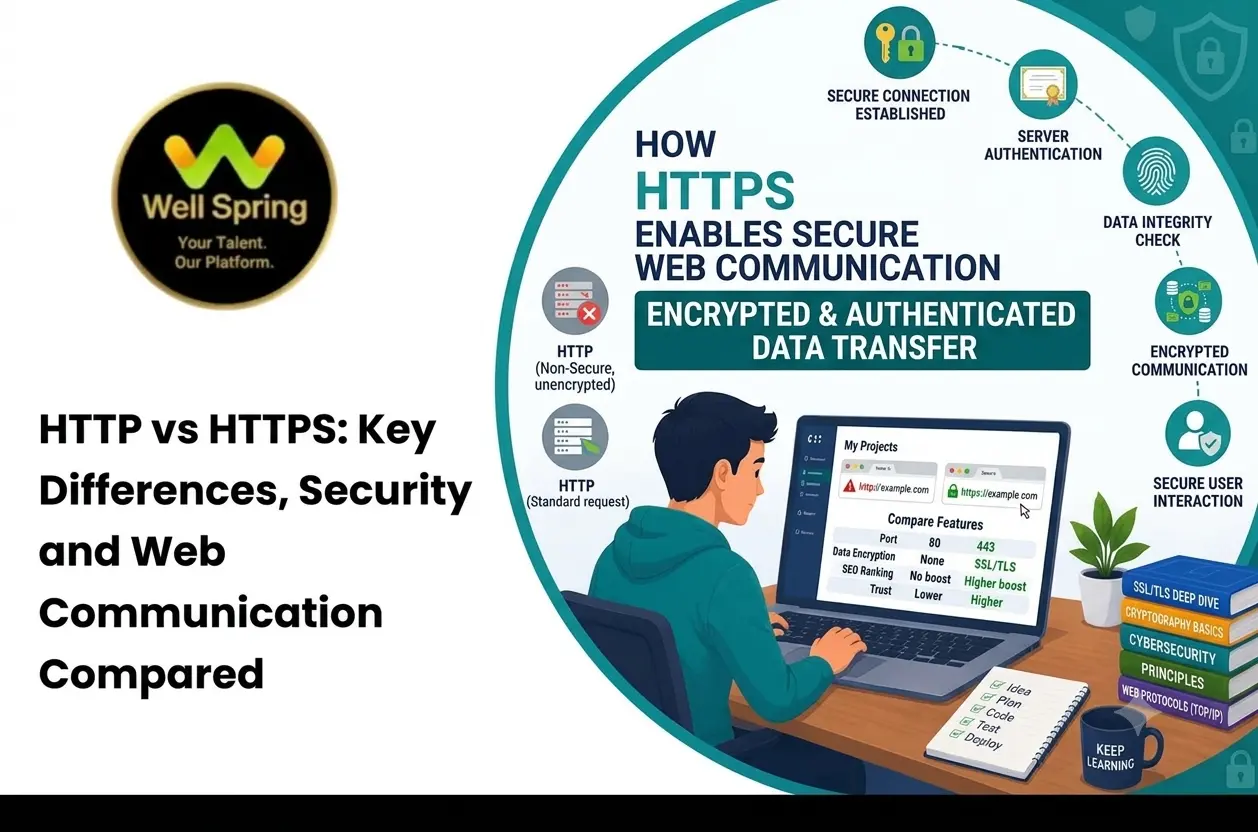
HTTP (Hypertext Transfer Protocol) transfers information between a web browser and a server, while HTTPS uses HTTP over a connection secured with Transport Layer Security (TLS). HTTPS encrypts data in transit, helps detect unauthorised changes, and verifies the server’s identity through its certificate. It is the recommended standard for modern websites, especially those handling logins, personal information, payments, or forms.
Introduction
Every time someone opens a website, submits a form, signs in to an account, or purchases a product online, information travels between their device and a web server. The protocol used for this communication affects how that information is transmitted and protected. HTTP has long been a fundamental part of the web, but ordinary HTTP does not encrypt communication by itself. HTTPS addresses this limitation by using TLS to protect data exchanged between a browser and a server. Understanding the difference between HTTP and HTTPS is important for students learning web development, website owners, software developers, and businesses that collect information online. This guide explains how the two protocols work, compares their security features, describes certificates and common configuration mistakes, and provides a practical checklist for implementing HTTPS correctly.
What Is HTTP?
HTTP stands for Hypertext Transfer Protocol. It is an application-layer protocol that defines how clients and servers exchange requests and responses over a network.
When a user opens a webpage, the browser typically sends an HTTP request to the server. The server processes that request and returns a response containing information such as HTML, images, stylesheets, JavaScript, or other resources.
For example, when someone visits a product page, the browser may request the page's HTML, the product image, a CSS file, and other resources needed to display the page.
HTTP follows a request-and-response model. It is also stateless by design, meaning that individual requests do not automatically retain the context of previous requests. Websites can maintain application sessions through mechanisms such as cookies, tokens, and server-side session storage.
How HTTP works
- A user enters a website address or clicks a link.
- The browser resolves the domain name and establishes a connection to the server.
- The browser sends an HTTP request for the required resource.
- The server processes the request and returns an HTTP response.
- The browser interprets the response and displays the page.
With ordinary HTTP, the application data exchanged over the connection is not protected by TLS encryption. Someone who can observe or interfere with the network traffic may be able to read or modify information in transit.
HTTP is therefore unsuitable for protecting sensitive website communication on untrusted networks unless an appropriate security layer is provided.
What Is HTTPS?
HTTPS stands for Hypertext Transfer Protocol Secure. It uses HTTP over a connection protected by TLS, the modern protocol used to secure web communication.
HTTPS does not replace the request-and-response model of HTTP. Instead, it adds security protections to the connection carrying those requests and responses.
How HTTPS works
- A browser connects to a website using HTTPS.
- The browser and server establish a TLS connection and negotiate compatible security settings.
- The browser validates the server's certificate according to the applicable certificate and hostname checks.
- The TLS handshake establishes cryptographic keys for protecting the session.
- The browser and server exchange HTTP requests and responses through the encrypted connection.
The process allows data to travel between the browser and server with confidentiality and integrity protections. It also helps the browser verify that it is communicating with the server identified by the certificate.
HTTPS is important for more than payment pages. Login screens, contact forms, search features, account dashboards, APIs, and ordinary informational pages can all benefit from a protected connection.
HTTP vs HTTPS: Key Differences
The main difference is that HTTPS protects HTTP communication with TLS, while ordinary HTTP does not provide those protections on its own.
| Feature | HTTP | HTTPS |
|---|---|---|
| Full form | Hypertext Transfer Protocol | Hypertext Transfer Protocol Secure |
| Transport protection | No TLS protection by default | Uses TLS to secure communication |
| Data encryption in transit | Not provided by ordinary HTTP | Provided by TLS |
| Data integrity | No TLS-based integrity protection | TLS helps detect unauthorised changes in transit |
| Server authentication | No TLS certificate authentication | Certificate validation helps verify server identity |
| URL prefix | http:// |
https:// |
| Default port commonly used | 80 | 443 |
| Browser security indicators | May show a not-secure warning | Usually shows a secure connection indicator or site information |
| Suitability for login forms | Not recommended | Recommended, with secure application design |
| Suitability for online payments | Not appropriate for protecting payment data in transit | Essential for protecting the connection, but not sufficient on its own |
| Modern web APIs | Some secure-context features may be unavailable | Many browser features require a secure context |
| Search considerations | Does not provide HTTPS security benefits | Google uses HTTPS as a lightweight ranking signal |
The table describes the usual configuration. HTTP can be used with different underlying transport arrangements, but a standard HTTP URL does not provide the TLS protections associated with HTTPS.
HTTP vs HTTPS Security: Why Does It Matter?
The security difference becomes clearer when examining what can happen to information travelling over a network.
1. Encryption protects data in transit
With ordinary HTTP, information may be readable to parties capable of observing the network traffic. HTTPS encrypts the communication between the browser and server, making the exchanged application data much harder for an unauthorised observer to understand.
Encryption is particularly important when a website handles passwords, contact information, account details, or payment-related communication.
2. Integrity helps protect information from tampering
Data can be altered as it travels across an untrusted network. TLS provides integrity protections that help the receiving endpoint detect unauthorised changes to protected communication.
Without these protections, an attacker in a suitable position on the network may be able to modify content or interfere with requests and responses.
3. Authentication helps verify the server
HTTPS uses certificates to help the browser verify the identity of the server it connects to. The certificate must be valid for the hostname and pass the relevant validation checks.
This reduces the risk of connecting unknowingly to an impersonating server, although users and developers must still pay attention to the correct domain name.
4. HTTPS protects more than form submissions
Even when a website does not collect passwords or payments, its pages may reveal browsing activity, search terms, session information, or other details. A secure connection protects communication for ordinary pages as well as sensitive workflows.
5. HTTPS supports modern browser capabilities
Several browser features require a secure context. Using HTTPS helps websites access supported capabilities and integrate with modern browser security requirements.
However, HTTPS does not automatically make an application safe from insecure code, weak authentication, malicious scripts, or server-side vulnerabilities.
What Is the Role of an SSL/TLS Certificate?
A website certificate is part of the mechanism that establishes trust during an HTTPS connection. The term “SSL certificate” is still widely used, although modern HTTPS connections use TLS rather than the obsolete SSL protocols.
A certificate contains information that connects a public key to a domain name or other identity details. During the TLS handshake, the browser uses the certificate and its validation process to determine whether the server can be trusted for the requested hostname.
Common certificate types
Domain Validation (DV): The certificate authority verifies control of the domain. DV certificates are widely used for ordinary websites and many business applications.
Organization Validation (OV): The certificate authority performs additional checks relating to the organisation's identity.
Extended Validation (EV): The certificate authority performs a more extensive identity verification process under the applicable certificate rules.
The type of certificate does not determine whether the website's business practices are trustworthy. A valid HTTPS connection does not prove that a business is legitimate, that its claims are accurate, or that its application is free of vulnerabilities.
Does every HTTPS website need to pay for a certificate?
No. Certificates can be obtained from providers that offer free certificate issuance, as well as from commercial certificate authorities that offer paid products and additional services.
The important requirements are that the certificate is appropriate for the domain, valid, correctly installed, and renewed before expiry. The server must also use a secure TLS configuration.
Does HTTPS Improve SEO and Website Trust?
HTTPS is primarily a security measure, but it also has implications for website quality and user confidence.
Google has identified HTTPS as a lightweight ranking signal. However, switching to HTTPS does not guarantee higher rankings, increased traffic, or improved conversions. Search visibility depends on many factors, including relevance, content quality, crawling, indexing, site performance, competition, and user needs.
HTTPS can also help reduce browser security warnings that might discourage users from submitting forms or continuing to a website. A secure connection is particularly important when visitors need to sign in, provide personal information, or complete an online transaction.
For an existing website migrating from HTTP to HTTPS, the implementation should be planned carefully. Incorrect redirects, inconsistent canonical tags, mixed content, or missing resources can create technical problems even when the certificate itself is valid.
Common HTTPS Problems and How to Fix Them
Installing a certificate is only one part of securing a website. The full configuration should be checked to ensure that every page and resource uses HTTPS correctly.
Mixed content
Mixed content occurs when an HTTPS page loads some resources, such as images, scripts, stylesheets, or frames, over HTTP.
This can trigger browser warnings or cause some resources to be blocked. Developers should update insecure resource URLs and verify that external resources support HTTPS.
Expired or invalid certificates
A certificate that has expired, does not match the requested domain, or has an invalid trust chain may cause a browser warning.
Use certificate monitoring and automated renewal where appropriate. After renewal, verify the certificate installation and test the site from multiple browsers or tools.
Missing HTTP-to-HTTPS redirects
If the HTTP version remains accessible without a suitable redirect, users and search engines may encounter two versions of the same website.
Configure permanent redirects from the HTTP URLs to their corresponding HTTPS URLs, preserving relevant paths and query parameters where appropriate. Avoid redirect chains and loops.
Incorrect canonical tags
Canonical tags should point to the preferred HTTPS URLs when HTTPS is the chosen canonical version. Check that they do not continue to reference old HTTP addresses.
Inconsistent internal links
Internal navigation, images, scripts, stylesheets, and form actions should use HTTPS URLs or appropriate relative URLs. Review templates and stored content for hard-coded HTTP references.
Weak TLS configuration
A valid certificate does not guarantee a secure server configuration. Use supported TLS versions, secure cipher configurations, and appropriate server settings. Avoid obsolete SSL and outdated TLS protocols.
Practical HTTP-to-HTTPS Migration Checklist
A migration should be tested before the new configuration is treated as complete.
- Obtain and install a valid certificate covering the required domain names.
- Verify that the certificate matches the website hostname and has a valid trust chain.
- Configure the web server or hosting platform to serve the site over HTTPS.
- Redirect HTTP URLs to their matching HTTPS destinations.
- Update canonical tags and important internal links.
- Replace insecure image, script, stylesheet, and iframe references.
- Test forms, login flows, payment integrations, APIs, and third-party services.
- Check for redirect loops, chains, and broken URLs.
- Update the preferred site URL in relevant analytics, webmaster, and marketing tools where required.
- Review XML sitemaps and ensure that canonical URLs use HTTPS.
- Monitor certificate renewal and expiry.
- Check logs, browser console messages, crawling reports, and analytics after deployment.
For suitable websites, developers can also evaluate HTTP Strict Transport Security (HSTS). HSTS instructs supported browsers to use HTTPS for a domain for a specified period. It should be deployed carefully because incorrect settings can make a website inaccessible to users if HTTPS is not configured properly.
Real-World Example: An Online Registration Form
Consider a training institute that allows students to register for a course through its website.
With ordinary HTTP, information submitted through the form may travel without TLS protection. A person who can observe the network traffic may be able to read or interfere with the data.
With HTTPS, the connection between the student's browser and the server is encrypted and protected against undetected tampering in transit. The browser also validates the server's certificate for the requested domain.
However, HTTPS is only one layer of protection. The application must still validate form inputs, restrict access to stored records, use secure session management, protect the database, and avoid exposing personal information through logs or error messages.
This example demonstrates an important principle: HTTPS protects communication, while secure application development protects the wider system.
How Students and Developers Can Practise HTTP and HTTPS
Understanding these protocols becomes easier when learners observe actual browser and server behaviour.
A beginner can start by opening a website in a browser, checking the URL scheme, viewing the connection information, and using the browser's developer tools to inspect network requests and responses.
Developers can then practise the following activities:
- Create a basic webpage and serve it from a local development environment.
- Inspect HTTP request methods, response status codes, headers, and resource loading.
- Configure HTTPS in a development environment using a suitable local certificate setup.
- Observe how a browser validates a certificate and reports certificate errors.
- Configure a redirect from HTTP to HTTPS in a controlled test environment.
- Identify mixed content and update resource URLs.
- Test the website after migration and confirm that forms and application features continue to work.
Learners developing practical web skills through programmes such as those offered by Well Spring Talent Solutions can use HTTP and HTTPS as foundational concepts when studying website development, browser-server communication, and web security.
Tools for Testing HTTP and HTTPS
The following tools help developers examine different parts of a website's security and communication setup.
| Tool | Main purpose |
|---|---|
| Browser developer tools | Inspect network requests, response headers, redirects, and mixed-content errors |
| curl | Test HTTP responses, headers, and redirect behaviour from the command line |
| OpenSSL | Inspect certificates and test certain TLS connection details |
| SSL Labs Server Test | Review publicly accessible TLS server configuration |
| Google Search Console | Monitor indexing and crawling issues that may arise during website changes |
| Website crawling tools | Find HTTP URLs, redirect chains, incorrect canonicals, and mixed-content references |
Use these tools together where appropriate. A successful certificate test does not replace application testing, and a successful redirect test does not confirm that every resource is secure.
Conclusion
HTTP and HTTPS both support communication between browsers and web servers, but they differ significantly in how they protect that communication. Ordinary HTTP does not provide TLS encryption, while HTTPS adds confidentiality, integrity protection, and certificate-based server authentication. For modern websites, HTTPS should be implemented across pages and resources, supported by correct redirects, valid certificates, secure TLS settings, and ongoing monitoring. Developers should also remember that connection security is only one part of a secure website: application code, authentication, access controls, and data storage require their own safeguards. Understanding the http vs https difference gives students, developers, and website owners a practical foundation for building and maintaining safer web experiences.